Pexlora
UPSC Signature resizer.
Set to 500 px wide and 20–100 KB for UPSC Civil Services and other UPSC exams. Drop your signature and download a JPG that fits, made in your browser.
- 1Add files
- 2Choose settings
- 3Save
Tap to add imagesDrop images or click to browse
JPG, PNG, WebP, AVIF, TIFF, GIF, HEIC · up to 10 MB · 10 at a time
JPG, PNG, WebP and HEIC photos, documents, audio and video are read and cleaned on your device. They aren't uploaded.
How it works
How to resize your upsc signature
- 1
Add your signature
Pick a clear signature from your phone or computer. HEIC photos from iPhones work too.
- 2
Check the size
It's set to 500 px wide · 20–100 KB · JPG. Change any number if your notice says something different.
- 3
Download the JPG
Tap Resize for Form, then save the file and upload it to the form.

What size does UPSC Civil Services and other UPSC exams ask for?
This page uses 500 px wide · 20–100 KB · JPG, the size most notices list. Rules can change between years, so compare it with the official notice and edit the numbers if needed.
Will my signature be cropped?
No. The shape stays the same; only the file size is changed.
What if the file is still too big or too small?
Quality is adjusted step by step to land inside the KB range. If a target can't be reached, you'll see a note, and a clearer or larger source picture usually fixes it.
Is my signature uploaded?
No. Resizing happens in your browser, so the file stays on your device. The JPG also has no EXIF or GPS data.
Related tools
More ways to clean your files.

EXIF Remover
Delete camera model, serial numbers, timestamps, software and GPS from JPG, PNG, WebP, AVIF, TIFF, GIF, HEIC photos in one click. Free, no sign-up.Open Tool
iPhone Photo Location Remover
Your iPhone saves where every photo and video was taken. Remove the location before you send, post or sell, right from Safari. Free, no sign-up.Open Tool
Photo Location Remover
Phones save exact GPS coordinates in photos and videos. Remove them before you share, post or send a file. Free, no sign-up.Open Tool
Photo Location Finder
Read the GPS coordinates saved in a photo and open the spot on a map, if the file still has its location data. Free, no sign-up.Open Tool
EXIF Remover
Delete camera model, serial numbers, timestamps, software and GPS from JPG, PNG, WebP, AVIF, TIFF, GIF, HEIC photos in one click. Free, no sign-up.Open TooliPhone Photo Location Remover
Your iPhone saves where every photo and video was taken. Remove the location before you send, post or sell, right from Safari. Free, no sign-up.Open ToolPhoto Location Remover
Phones save exact GPS coordinates in photos and videos. Remove them before you share, post or send a file. Free, no sign-up.Open ToolPhoto Location Finder
Read the GPS coordinates saved in a photo and open the spot on a map, if the file still has its location data. Free, no sign-up.Open Tool
More tools
Do more with your files.

EXIF & Metadata Remover
Remove metadata from photos, PDFs, Office documents, audio and video: EXIF, GPS location, C2PA credentials, AI tags and author names.Open Tool
EXIF & Metadata Viewer
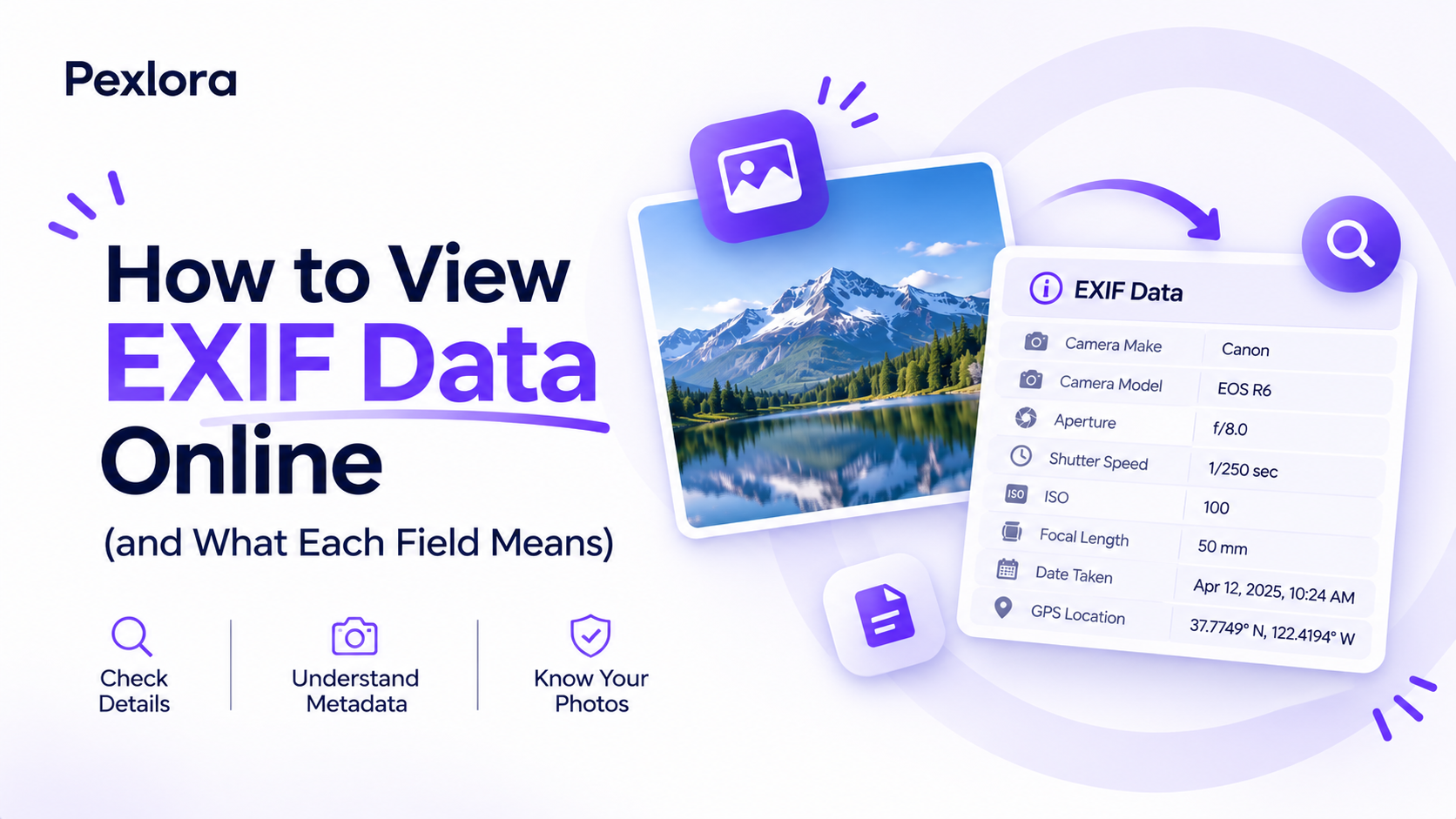
See the hidden metadata in photos, PDFs, Office files, audio and video: EXIF, GPS location, camera, XMP, author and AI tags, with AI tags shown first.Open Tool
EXIF & Metadata Editor
Add author, copyright, description and keywords to JPG, PNG, WebP and AVIF images. GPS, camera and AI tags are removed.Open Tool
Image Compressor
Reduce image size for JPG, PNG, WebP and AVIF with three compression levels or an exact target like 100 KB. The format stays the same and metadata is removed.Open Tool
Compress to Size
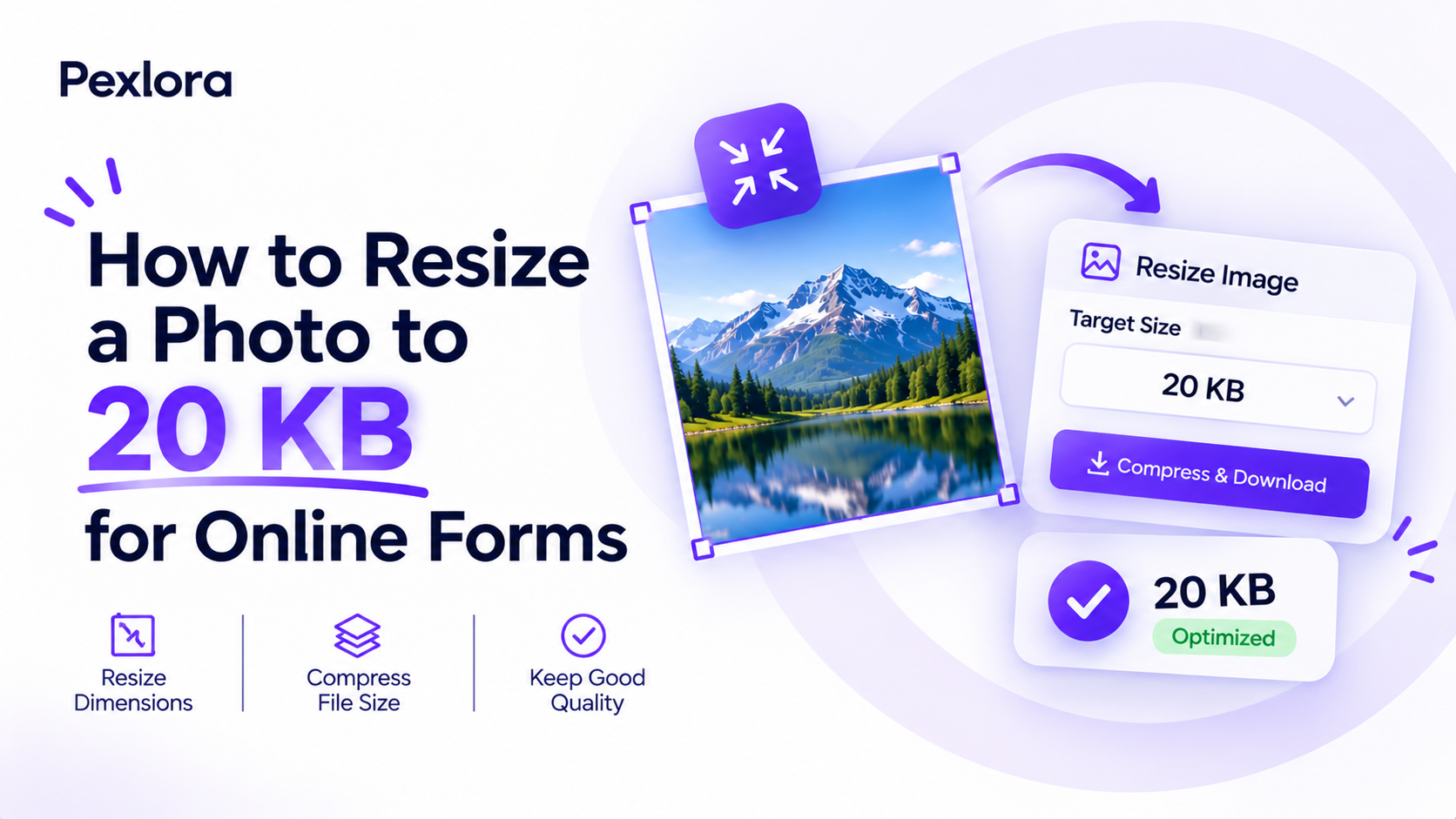
Get photos under 20 KB, 50 KB, 100 KB or any size you need for forms, exams and ID uploads.Open Tool
Image Resizer
Change image size to an exact width and height in pixels or scale by percentage, with or without keeping the aspect ratio.Open Tool
Crop Image
Crop JPG, PNG, WebP and HEIC images to a square, a 4:5 portrait post, a 9:16 story or a 16:9 widescreen frame. Cropped in your browser, nothing is uploaded.Open Tool
Image Converter
Convert JPG to WebP, PNG to JPG, WebP to PNG and more at the highest quality setting. Metadata is removed from every file.Open Tool
AI Alt Text Generator
Orbit AI looks at each image and writes accessible alt text, a short description, keywords and an SEO-friendly file name you can download.Open Tool
EXIF & Metadata Remover
Remove metadata from photos, PDFs, Office documents, audio and video: EXIF, GPS location, C2PA credentials, AI tags and author names.Open ToolEXIF & Metadata Viewer
See the hidden metadata in photos, PDFs, Office files, audio and video: EXIF, GPS location, camera, XMP, author and AI tags, with AI tags shown first.Open ToolEXIF & Metadata Editor
Add author, copyright, description and keywords to JPG, PNG, WebP and AVIF images. GPS, camera and AI tags are removed.Open ToolImage Compressor
Reduce image size for JPG, PNG, WebP and AVIF with three compression levels or an exact target like 100 KB. The format stays the same and metadata is removed.Open ToolCompress to Size
Get photos under 20 KB, 50 KB, 100 KB or any size you need for forms, exams and ID uploads.Open ToolImage Resizer
Change image size to an exact width and height in pixels or scale by percentage, with or without keeping the aspect ratio.Open ToolCrop Image
Crop JPG, PNG, WebP and HEIC images to a square, a 4:5 portrait post, a 9:16 story or a 16:9 widescreen frame. Cropped in your browser, nothing is uploaded.Open ToolImage Converter
Convert JPG to WebP, PNG to JPG, WebP to PNG and more at the highest quality setting. Metadata is removed from every file.Open ToolAI Alt Text Generator
Orbit AI looks at each image and writes accessible alt text, a short description, keywords and an SEO-friendly file name you can download.Open Tool
HEIC to JPG Converter
Turn iPhone HEIC photos into JPG or PNG right in your browser. Photos aren't uploaded and the converted files carry no EXIF or GPS data.Open Tool
SVG to PNG Converter
Turn SVG icons, logos and illustrations into sharp PNG, JPG or WebP images at 1x, 2x, 4x or an exact pixel size. Converted in your browser, nothing is uploaded.Open Tool
PNG to SVG Converter
Trace logos, icons, signatures and simple artwork from PNG, JPG or WebP into real SVG vector paths you can scale and edit. Traced in your browser, nothing is uploaded.Open Tool
Change Image DPI
Set the DPI of JPG and PNG images to 300, 200, 96 or any value without touching a single pixel, for forms, print shops and documents. Done in your browser, nothing is uploaded.Open Tool
Rotate & Flip Image
Rotate JPG, PNG, WebP and HEIC images by 90°, 180° or 270° and flip them horizontally or vertically, so they show upright everywhere. Done in your browser, nothing is uploaded.Open Tool
Round Image & Shapes
Give images rounded corners or crop them into a circle, heart, star, hexagon or arch, saved as a transparent PNG or on white. Done in your browser, nothing is uploaded.Open Tool
Color Palette Generator
Get the 5, 8 or 12 main colours of a photo, logo or design as hex codes you can copy, plus a palette card to download. Done in your browser, nothing is uploaded.Open Tool
Passport Photo Maker
Turn one photo into a 4 × 6 in or A4 print sheet of 35 × 45 mm, 2 × 2 in or stamp-size passport photos with cut lines. Made in your browser at 300 DPI.Open Tool
Merge PDF
Combine several PDFs into a single file in the order you choose. It runs in your browser, so your documents aren't uploaded.Open Tool
Split PDF
Turn every page of a PDF into its own file and download them together as a ZIP. Processed in your browser, nothing is uploaded.Open Tool
Rotate PDF
Turn every page of a PDF by 90 or 180 degrees and save it. Author, title and other document metadata are removed at the same time.Open Tool
Organize PDF
Remove pages from a PDF, change their order or pull out just the ones you need, with a preview of every page. Runs in your browser, nothing is uploaded.Open Tool
Add Page Numbers to PDF
Number every page of a PDF at the top or bottom, as 1, Page 1 or Page 1 of 9, with the option to skip the cover. Added in your browser, nothing is uploaded.Open Tool
Add Watermark to PDF
Stamp CONFIDENTIAL, DRAFT, COPY or your own text across every page of a PDF, diagonal, straight or tiled. Added in your browser, nothing is uploaded.Open Tool
JPG to PDF
Combine JPG, PNG, WebP and HEIC images into a single PDF with one image per page. Converted in your browser, with no photo metadata inside.Open Tool
PDF to JPG
Save all or just the pages you pick as sharp JPG or PNG images, at screen or print sharpness, in one ZIP. Rendered in your browser, nothing is uploaded.Open Tool
Excel to PDF
Turn XLSX, XLS, ODS and CSV sheets into a clean, printable PDF table, one section per sheet, fitted to A4 or Letter. Converted in your browser, nothing is uploaded.Open Tool
PDF to Excel
Pull tables and text out of a PDF into an editable Excel sheet, with numbers kept as numbers. Works on PDFs with real text, read in your browser, nothing is uploaded.Open Tool
Word to PDF
Turn DOCX files into PDF with headings, paragraphs, lists, tables and images kept. Converted in your browser, nothing is uploaded.Open Tool
PDF to Word
Get the text of a PDF into a DOCX file you can edit, with paragraphs and headings rebuilt and one section per page. Read in your browser, nothing is uploaded.Open Tool
PDF to Text
Copy all the text out of a PDF into a plain TXT file, page by page, ready to paste anywhere. Read in your browser, nothing is uploaded.Open Tool
CSV to Excel
Turn CSV files into XLSX workbooks with numbers as numbers, leading zeros and long IDs kept intact, and Hindi or other scripts shown correctly. Converted in your browser.Open Tool
Excel to CSV
Save every sheet of an XLSX, XLS or ODS workbook as a UTF-8 CSV file that opens correctly in Excel, Google Sheets and databases. Converted in your browser.Open Tool
AI Text Detector
Paste any text and Orbit AI gives an AI likelihood score, the phrases that sound machine-written and the writing signals behind the estimate.Open Tool
AI Humanizer
Orbit AI rewrites stiff, AI-sounding text into natural writing in your tone and shows a live human score before and after. Facts, names and numbers stay the same.Open Tool
Link Cleaner
Paste links or a whole message and strip utm tags, fbclid, gclid, YouTube and Spotify share codes and Amazon referral tags, and unwrap Google and Facebook redirects. Runs in your browser.Open Tool
Remove Personal Info from Text
Mask emails, phone numbers, card numbers, Aadhaar, PAN, UPI IDs and IP addresses in chats, logs or documents before you paste them anywhere. Runs in your browser, nothing is uploaded.Open Tool
ZIP & Unzip Files
Put any files into one ZIP, or open a ZIP and save the files inside, without installing anything. Everything stays on your device.Open Tool
100 files a day. Free.
One click with Google. No card, no trial, no catch.