Pexlora
Find where a photo was taken.
Read the GPS coordinates saved in a photo and open the spot on a map, if the file still has its location data. Free, no sign-up.
Tap to add imagesDrop images or click to browse
JPG, PNG, WebP, AVIF, TIFF, GIF, HEIC · up to 10 MB · 10 at a time
JPG, PNG, WebP and HEIC photos, documents, audio and video are read and cleaned on your device. They aren't uploaded.
How it works
How a photo knows its location
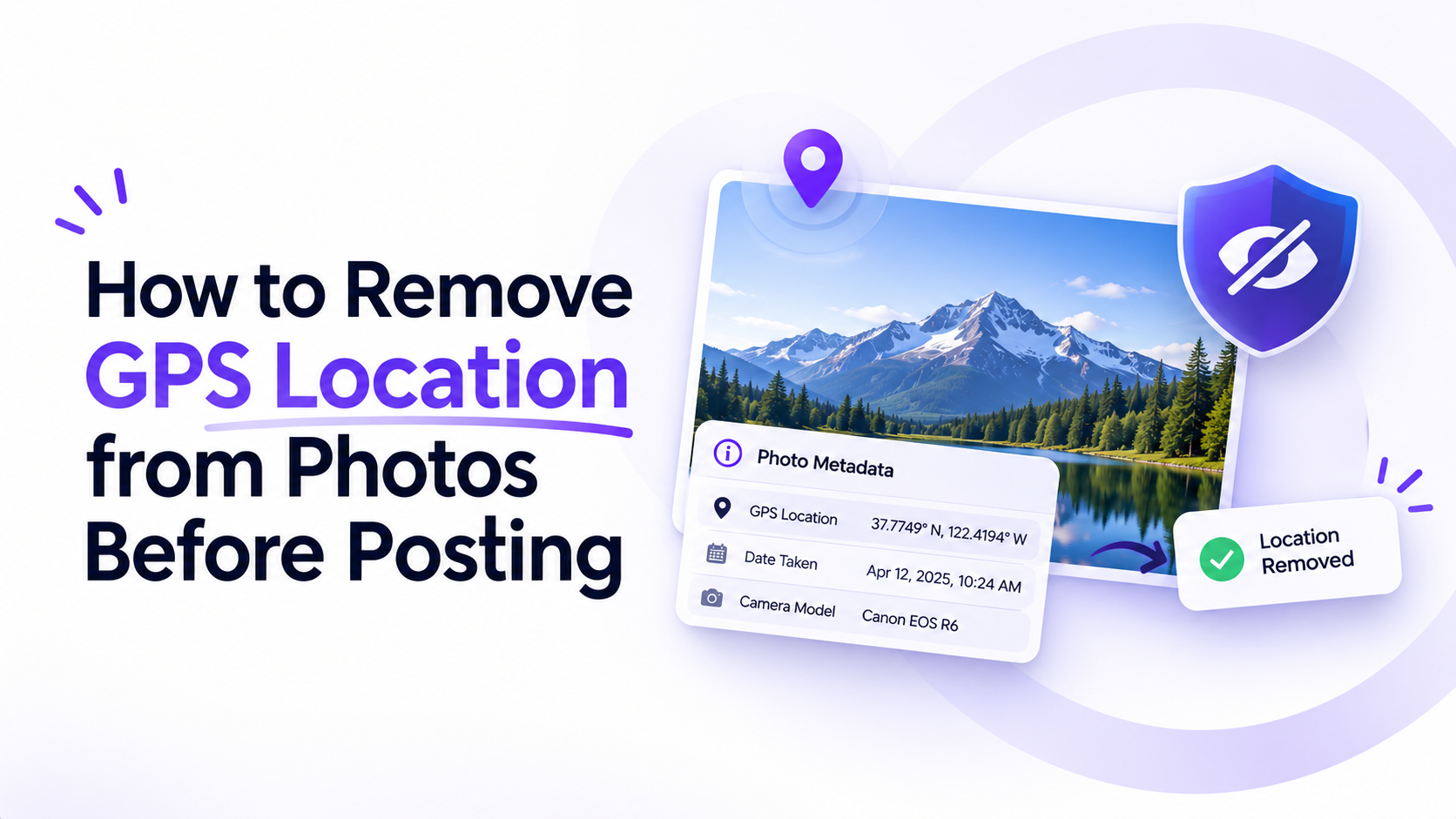
With location services on, phones write latitude, longitude and altitude into every photo. Drop a photo below and, if those fields are there, the report shows the coordinates with a link that opens the spot on a map.
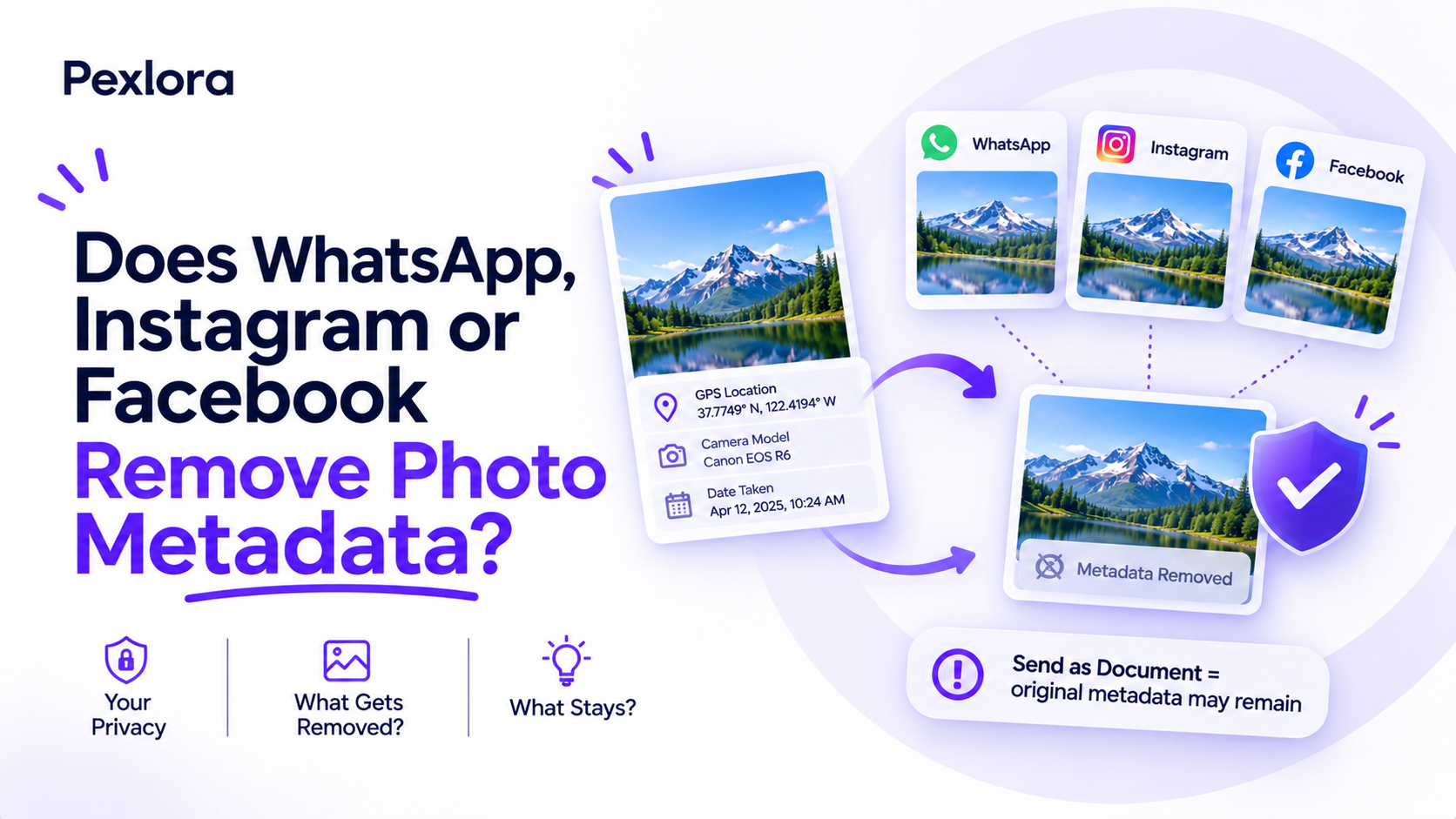
This works only when the file still has GPS data. Most social networks strip it on upload, and screenshots never have it. Pexlora reads metadata only and doesn't guess a location from what's in the picture.
The map opens only when you click it, so your coordinates aren't sent to a map service just by viewing the report.
How to use the Photo Location Finder
- 1
Drop a file
Photos, PDFs, Office files, audio and video all work.
- 2
Read the report
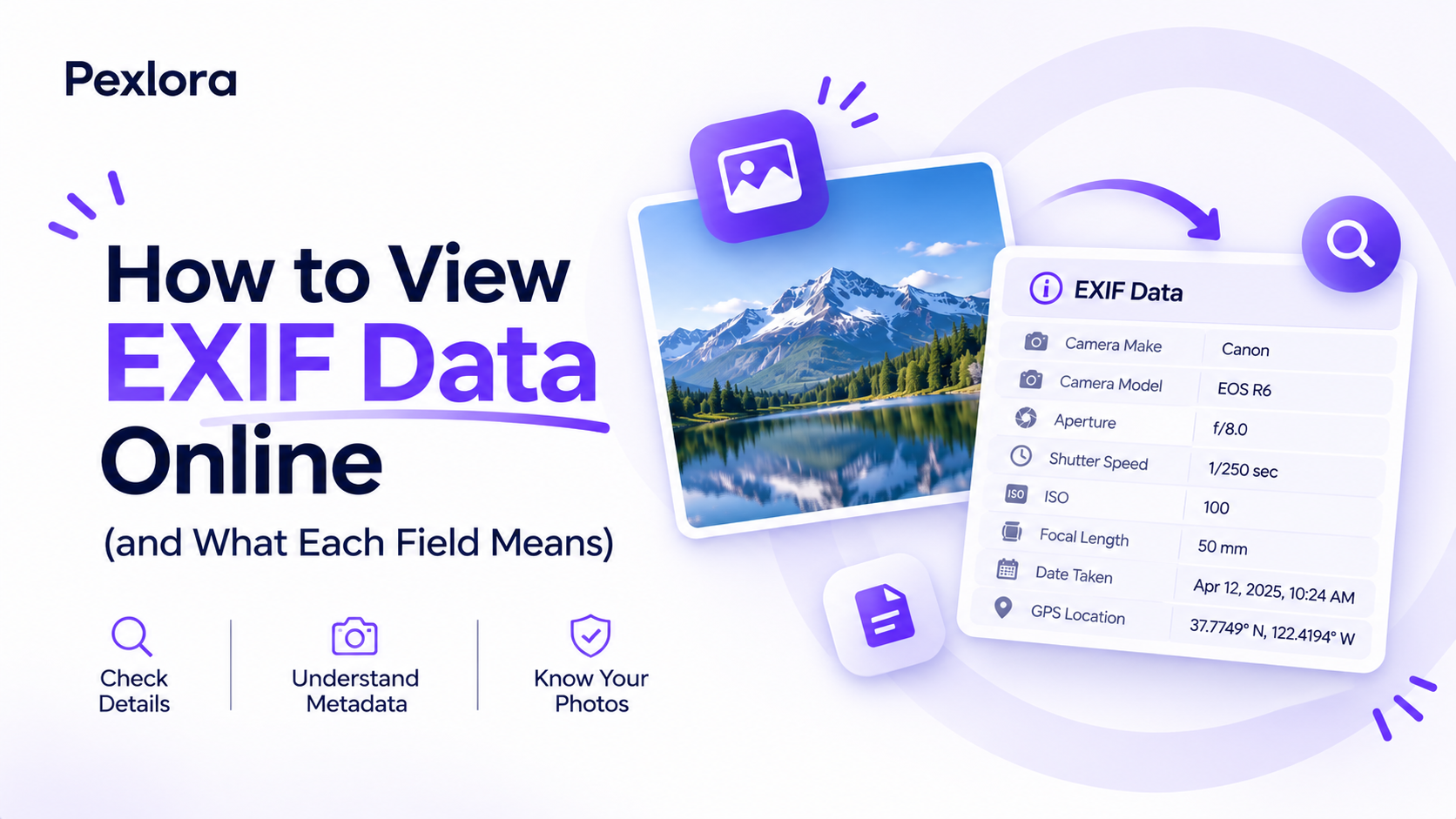
Fields are grouped by EXIF, XMP, IPTC, GPS and C2PA, with AI tags first.
- 3
Clean it if you want
Open Remove Metadata to strip everything you found.
What you'll see
Every field, grouped and explained.
- GPS latitude and longitude
- Altitude and camera direction
- Date and time the photo was taken
- Phone or camera model
- Lens and camera settings
Why doesn't my photo show a location?
Location was off when it was taken, or the file was re-saved by an app or social network that removed GPS data. Screenshots never contain it.
Can I remove the location afterwards?
Yes. Open Remove Metadata to download a copy with no GPS data or other metadata.
Which files are supported?
JPG, PNG, WebP, AVIF, TIFF, GIF, HEIC. Size limits: Images up to 10 MB.
Are my images uploaded?
JPG, PNG, WebP and HEIC photos aren't. They are read and cleaned in your browser. AVIF, TIFF and GIF images are sent over HTTPS to our server, processed in memory and not saved.
Does viewing metadata count toward my daily limit?
No. Reading metadata is always free. Only cleaned files count.
Is it free?
Yes. You can process 10 files a day without an account, or 100 with a free account.
Related tools
More ways to clean your files.

EXIF & Metadata Viewer
See the hidden metadata in photos, PDFs, Office files, audio and video: EXIF, GPS location, camera, XMP, author and AI tags, with AI tags shown first.Open Tool
Photo Location Remover
Phones save exact GPS coordinates in photos and videos. Remove them before you share, post or send a file. Free, no sign-up.Open Tool
iPhone Photo Location Remover
Your iPhone saves where every photo and video was taken. Remove the location before you send, post or sell, right from Safari. Free, no sign-up.Open Tool
EXIF Viewer
See every EXIF, XMP, IPTC and GPS field a photo carries, with AI tags flagged first. Free, with no sign-up.Open Tool
EXIF & Metadata Viewer
See the hidden metadata in photos, PDFs, Office files, audio and video: EXIF, GPS location, camera, XMP, author and AI tags, with AI tags shown first.Open ToolPhoto Location Remover
Phones save exact GPS coordinates in photos and videos. Remove them before you share, post or send a file. Free, no sign-up.Open TooliPhone Photo Location Remover
Your iPhone saves where every photo and video was taken. Remove the location before you send, post or sell, right from Safari. Free, no sign-up.Open ToolEXIF Viewer
See every EXIF, XMP, IPTC and GPS field a photo carries, with AI tags flagged first. Free, with no sign-up.Open Tool
100 files a day. Free.
One click with Google. No card, no trial, no catch.