Pexlora
Does WhatsApp, Instagram or Facebook Remove Photo Metadata?
Do WhatsApp, Instagram and Facebook remove photo metadata like GPS location? See what each platform strips, the sharing modes that keep everything, and how to test it yourself.

5 min read
On this page
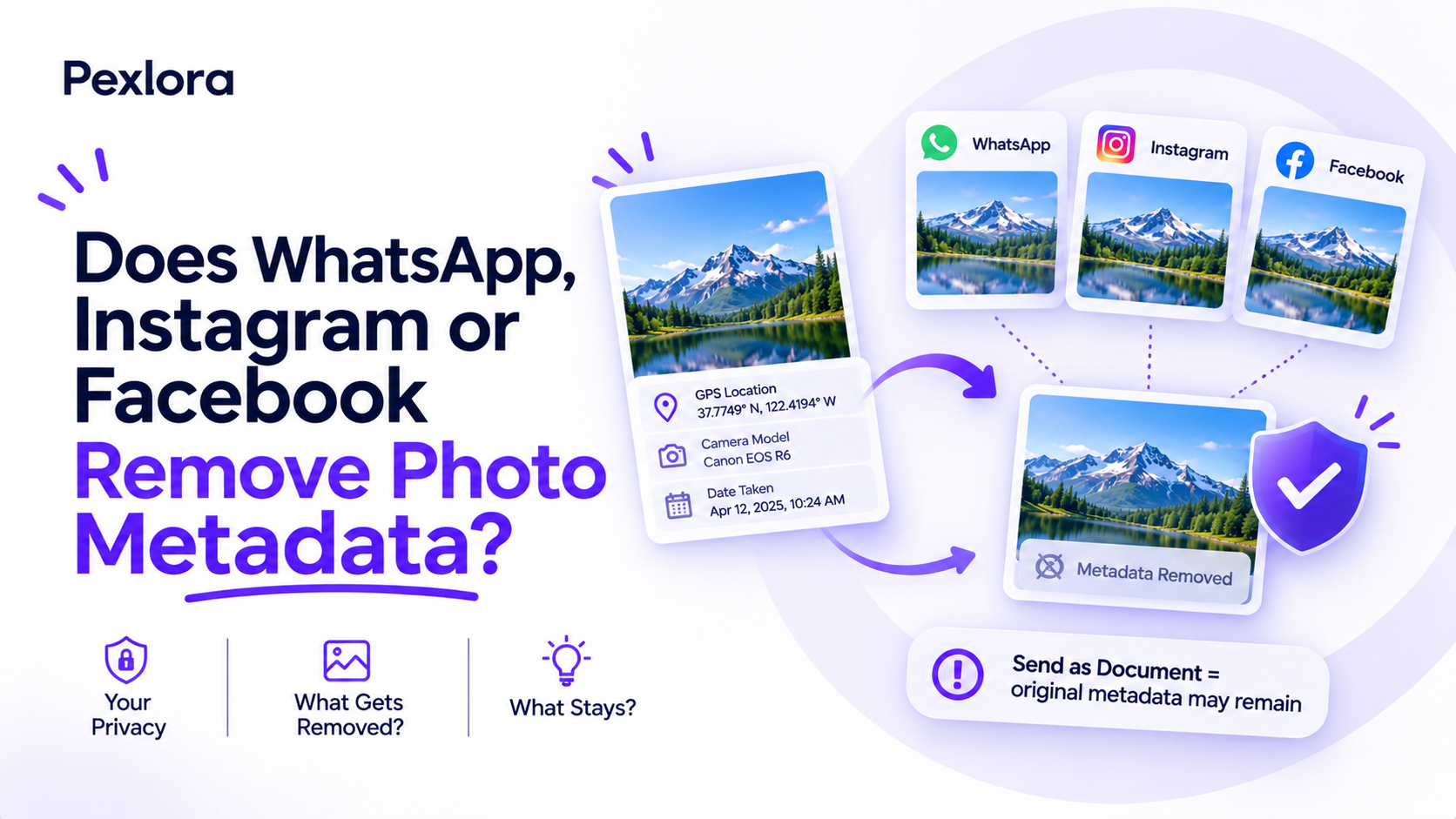
Many people assume that apps clean their photos for them. The honest answer to "does WhatsApp, Instagram or Facebook remove metadata?" is mostly yes for the copy other people see, but not always, and not in every sharing mode. One wrong tap in WhatsApp sends your photo with its GPS coordinates intact, and none of these platforms promise to delete the data from their own servers.
This matters because these three apps carry a huge share of the photos people send each day: family pictures, rental listings, items for sale, screenshots of documents. If you rely on the platform to protect your location, you need to know exactly where that protection stops.
Below you will find what each platform does with EXIF data, the specific modes that keep the original file, and a two-minute test you can run yourself so you never have to take anyone's word for it, including ours.
What metadata is at stake when you share a photo
A photo straight from your phone usually carries an EXIF block with the camera model, capture settings, date and time, and often precise GPS coordinates. It can also carry XMP and IPTC data from editing apps, and AI-related tags or C2PA Content Credentials if the image came from a generator.
Platforms deal with this data in one of two ways:
- Re-encoding: the app compresses the image into a new file. The new file usually drops most metadata as a side effect, along with some image quality.
- Pass-through: the app delivers your original file unchanged. Every field survives, including GPS.
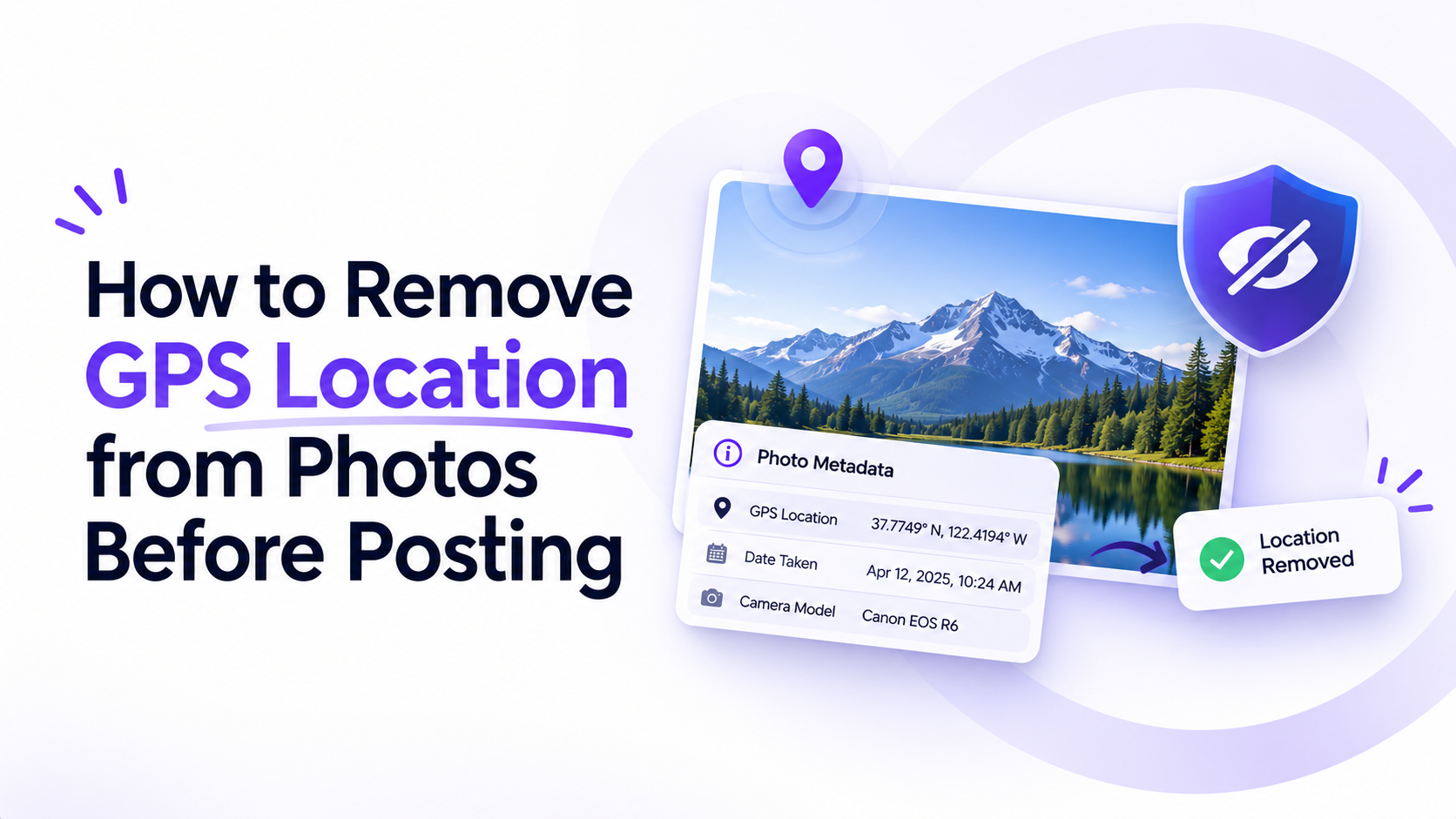
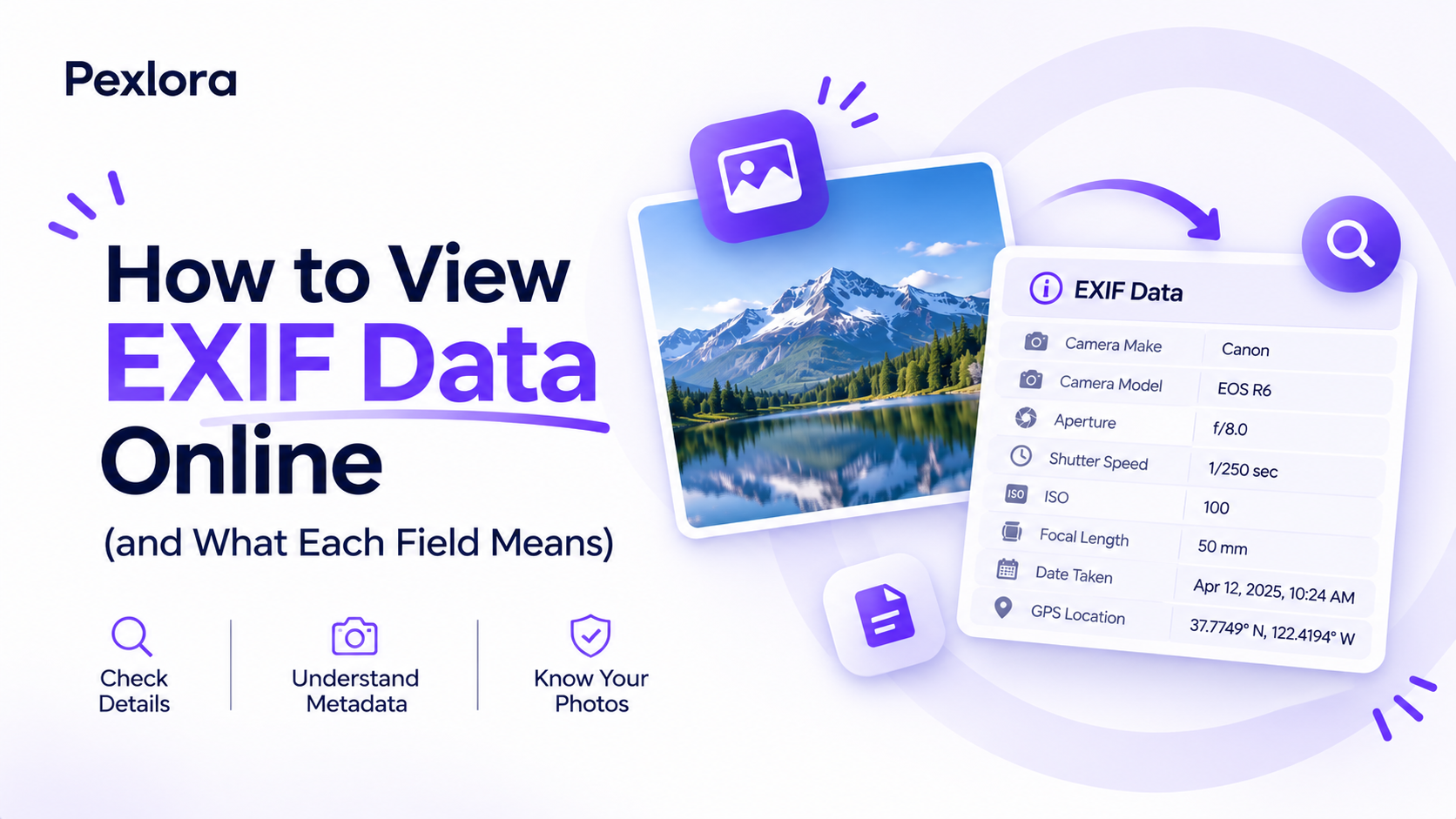
The privacy question for each app comes down to which path your photo takes. You can read what each field means in our guide to viewing EXIF data online.
Does Instagram remove photo metadata?
For posts, yes. Instagram re-encodes every upload to fit its size and compression standards, and the version served to viewers has GPS, camera model and capture settings removed. If someone downloads a photo from your feed, they will find almost no original EXIF data in the file.
Two caveats are worth knowing. First, Instagram reads the metadata before it strips it. Meta's Privacy Policy describes collecting information about the content you provide, including metadata such as the location where a photo was taken. Stripping protects you from other users, not from the platform.
Second, location tags you add yourself are separate from EXIF. If you tag a café or a neighbourhood on a post, that location is public no matter how clean the file is. The same applies to anything visible in the frame, such as a house number or school logo.
Does Facebook remove EXIF data?
Facebook works much like Instagram, since both run on Meta's infrastructure. Feed posts, Marketplace listings and profile photos are re-encoded, and the public copy loses GPS coordinates, camera details and original timestamps.
The same limits apply. Facebook processes the metadata on upload under the same Meta privacy policy, so the company may still hold the original location even though viewers cannot see it. Facebook also keeps its own location signals, such as check-ins and the places you tag.
Marketplace is where this matters most in practice. Sellers often photograph items at home, and while the listing image itself is cleaned, any photo you send directly to a buyer through another channel, such as email or a messaging app that passes files through, may not be. Clean those files yourself first.
Does WhatsApp remove metadata from photos?
WhatsApp has two paths, and they behave very differently.
Sent as a photo
When you attach an image from the gallery and send it normally, WhatsApp compresses it into a new file. That process removes GPS coordinates and most EXIF fields. The recipient gets a smaller image with very little metadata. Sending in HD mode keeps more resolution, but you should test it with your own phone before relying on it for sensitive images.
Sent as a document
When you use the Document option, often to avoid compression and keep full quality, WhatsApp sends your original file byte for byte. Every EXIF field arrives intact, including the exact GPS location. Many photographers and sellers use document mode precisely because it preserves quality, without realising it also preserves location.
Platform comparison at a glance
Here is how the three apps compare, alongside a few other common routes for reference. Behaviour can change with app updates, which is why the test in the next section is worth running.
| Platform and mode | GPS removed for recipients | Camera details removed | Platform may keep data |
|---|---|---|---|
| Instagram post | Yes | Yes | Yes |
| Facebook post or Marketplace | Yes | Yes | Yes |
| WhatsApp photo | Yes | Mostly | Not stated |
| WhatsApp document | No | No | Not stated |
| Email attachment | No | No | Depends on provider |
Email, AirDrop, cloud drive links and most website upload forms belong in the pass-through group. If your photo travels through any of them, assume all metadata goes along.
How to test what a platform removes
You can verify any app's behaviour in a couple of minutes, which is more reliable than any list, because platforms change their pipelines without announcing it.
- Take a fresh photo with location enabled for your camera.
- Open it in the Pexlora Metadata Viewer and confirm the GPS fields are present.
- Send it to a second account or device through the app and mode you want to test.
- Save the received copy on the other device.
- Open the received copy in the viewer and compare. Missing GPS fields mean that route strips location.
Run the test for each mode you actually use, such as WhatsApp photo, WhatsApp HD and WhatsApp document. The results take the guesswork out of every future share.
Frequently asked questions
Does WhatsApp keep my photo location on its servers?
WhatsApp messages are end-to-end encrypted, so the company says it cannot see the content of the photos you send. The bigger risk is the recipient: in document mode they receive your full original file, GPS included.
If Instagram strips metadata, do I still need to remove it?
Removing it yourself is still the safer habit. Instagram reads the data before stripping it, policies can change, and the same photo often gets shared elsewhere later. A clean file is safe on every route.
Does Telegram remove photo metadata?
Telegram behaves like WhatsApp: compressed photos lose most metadata, while images sent as files keep it. Test your own setup with the steps above to be sure.
Can I see if a photo someone sent me has a location?
Yes. Save the file and open it in a metadata viewer. If it arrived as a WhatsApp document or email attachment, there is a good chance the sender's GPS coordinates are still inside.
Your next step
Run the five-step test above on the app you use most, in the mode you use most. If the location survives, clean photos before sending them with the Pexlora GPS remover, and read how to remove GPS location from photos to stop your camera from adding it in the first place.