Pexlora
How to View EXIF Data Online (and What Each Field Means)
Learn how to view EXIF data online in seconds and read every field that matters: camera, exposure, date, GPS, software, XMP, IPTC and AI tags, with a plain-English explanation of each.

6 min read
On this page
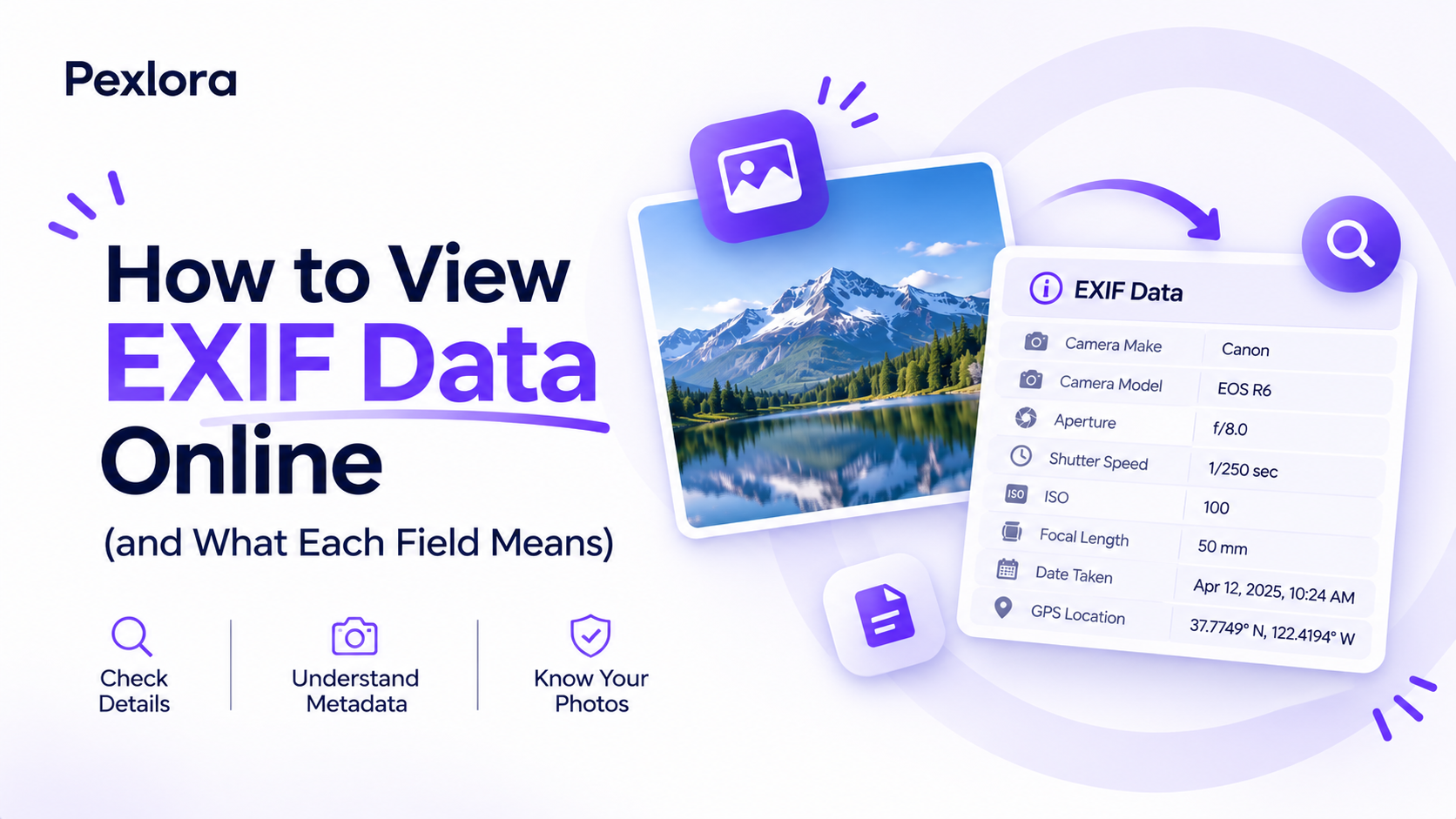
You can view EXIF data online by dropping a photo into a browser-based viewer, and within a second you will see dozens of fields you never knew were there. The hard part is not finding the data. It is knowing which of those fields are harmless camera settings and which ones reveal where you live, what device you own, or whether an image passed through an AI generator.
That distinction matters if you sell photos, verify images for a newsroom, check a seller's product shots, or simply want to know what you are sharing. A viewer that dumps 80 lines of raw tags is not much help without a guide to reading them.
This article shows you how to open any image's metadata in your browser, then walks through each group of fields in plain English, with an example value and what it tells someone who reads it.
What EXIF data is and why it is worth checking
EXIF (Exchangeable Image File Format) is a standard block of information that cameras and phones write into JPG, HEIC, TIFF and some PNG and WebP files. It records how, when and with what the picture was taken. Most images also carry two related formats: XMP, an extensible format used by editing software, and IPTC, the newsroom standard for captions, credits and copyright maintained by the IPTC Photo Metadata Standard.
People check metadata for different reasons:
- Privacy: confirming a photo has no GPS coordinates before posting it.
- Verification: checking whether a "fresh" photo was really taken last week, or edited in Photoshop.
- Learning: seeing the shutter speed and aperture behind a shot you admire.
- Rights: finding the photographer's name and copyright notice.
- AI detection: spotting generator tags or Content Credentials in an image.
Metadata is a clue, not proof. It can be edited or removed with free tools, so treat it as one piece of evidence among several.
How to view EXIF data online in three steps
A browser viewer is the fastest option because it needs no install and works the same on a phone, a Chromebook or a work laptop where you cannot add software.
- Open the Pexlora EXIF Viewer.
- Drag in a JPG, PNG, WebP, HEIC or AVIF file, or tap to choose one from your phone.
- Read the results, grouped into camera, capture settings, dates, location, software and AI tags. AI-related fields are listed first so they are easy to spot.
Common photo formats are read inside your browser, so the image is not uploaded to a server. That matters when the photo itself is private, such as an ID document or a picture of your home.
If you would rather work offline, ExifTool prints every tag from the command line with exiftool photo.jpg, and it is the reference most online viewers are measured against.
Camera and device fields
These fields identify the hardware. They look harmless, but together they can link photos to one person, especially if the device is unusual.
| Field | Example value | What it tells someone |
|---|---|---|
| Make | Apple | The manufacturer |
| Model | iPhone 15 Pro | The exact device |
| LensModel | iPhone 15 Pro back triple camera 6.86mm f/1.78 | Which of the phone's cameras took the shot |
| BodySerialNumber | 052024001234 | A unique camera ID, mostly on DSLRs |
| Software | 17.4.1 | Firmware or the last editing app |
The serial number is the one to watch. Professional cameras often write it, and it can connect anonymous uploads back to a photographer whose other photos show the same number. Phones rarely include it.
Exposure and capture settings
This group explains how the image was made. Photographers read it to learn technique, and it rarely poses a privacy risk.
- ExposureTime: shutter speed, such as 1/120. Longer times like 1/15 suggest low light or a tripod.
- FNumber: aperture, such as f/1.8. Lower numbers let in more light and blur the background.
- ISO: sensor sensitivity, such as 64 in daylight or 3200 at night. Higher values add grain.
- FocalLength: lens zoom in millimetres. A FocalLengthIn35mmFormat field converts it to a familiar scale, where 24 is wide and 77 is short telephoto.
- Flash: whether the flash fired, and whether red-eye reduction was on.
A worked example: a night street photo showing ISO 2500, f/1.8 and 1/30 tells you a phone pushed its sensor hard in dim light. The same scene at ISO 100 and 2 seconds points to a tripod and a deliberate long exposure.
Date, time and location fields
This is where privacy risk concentrates. Dates and coordinates together describe where someone was and when.
Dates
DateTimeOriginal is when the shutter fired. CreateDate is usually the same. ModifyDate changes when software saves the file. An OffsetTime field, such as +05:30, records the time zone, which narrows down the country.
If DateTimeOriginal says 2019 but a seller claims the photo is from this morning, the metadata contradicts them. If ModifyDate is days after the original, the file was saved again later, often after editing.
GPS
GPSLatitude and GPSLongitude give the position, GPSAltitude the height, and GPSImgDirection the way the camera faced. The full list is in the ExifTool GPS tag reference. A good viewer converts the coordinates to a map pin, which is exactly what a stranger would do.
If you find coordinates on a photo you plan to share, read how to remove GPS location from photos before you send it.
Software, XMP and AI tags
The last group records what happened to the file after capture. It is the most useful section for verification.
- Software and CreatorTool: names like Adobe Photoshop 25.0 or Lightroom show the image was edited.
- XMP History: some editors log each save, with timestamps and actions such as "converted" or "saved".
- IPTC Creator, Credit and Copyright: the photographer's name and rights notice, added by professionals or agencies.
- DigitalSourceType: an IPTC field that can say an image was created by a trained algorithm, which AI generators increasingly write.
- C2PA manifest: a signed record of an image's origin and edits, defined by the Coalition for Content Provenance and Authenticity. Tools from Adobe, OpenAI and others attach it.
Generators also leave their own traces. Stable Diffusion tools often store the full prompt and settings in PNG text chunks, while ChatGPT and other services add C2PA data. Our guide on removing AI metadata from images explains each type.
Frequently asked questions
Why does my photo show no EXIF data?
The file was probably processed by a service that strips metadata, such as a social network, a messaging app or a screenshot. Some editors also drop metadata on export unless you tick an option to keep it. Check the original file from your camera roll instead.
Can EXIF data be faked?
Yes. Any field, including dates and GPS, can be edited with free tools. Signed C2PA Content Credentials are harder to forge because tampering breaks the signature, but they can still be removed entirely.
Is it safe to use an online EXIF viewer?
It depends on whether the tool uploads your image. Viewers that read files in the browser, like Pexlora's for common photo formats, never send the image to a server. Avoid tools that do not say where processing happens when the photo is sensitive.
Does a PNG file have EXIF data?
It can. PNG supports an EXIF chunk and text chunks, though many apps do not write them. AI image tools often store prompts in PNG text chunks, which a full viewer will show.
Your next step
Open the EXIF Viewer and check three photos: one straight from your phone, one you downloaded from social media, and one you edited. Comparing them shows you exactly which fields your devices write and which ones your apps remove, and that tells you which files need cleaning before you share them.