Pexlora
Remove Gemini image metadata.
Clear the IPTC and C2PA metadata Google adds to images from Gemini, Imagen and AI editing tools in Google Photos. Free, no sign-up.
- 1Add files
- 2Choose settings
- 3Save
Tap to add imagesDrop images or click to browse
JPG, PNG, WebP, AVIF, TIFF, GIF, HEIC · up to 10 MB · 10 at a time
JPG, PNG, WebP and HEIC photos, documents, audio and video are read and cleaned on your device. They aren't uploaded.
How it works
Two ways Google labels AI images
Google marks AI images in two layers. The first is metadata: the IPTC DigitalSourceType field and, on some products, C2PA Content Credentials. The second is SynthID, an invisible watermark mixed into the pixels.
Pexlora removes the metadata layer and shows you exactly what was there. SynthID stays in the image because it isn't metadata, and we don't claim otherwise.
How to use the Gemini Image Metadata Remover
- 1
Drop your files
Add up to 10 files at once, or tap to choose them.
- 2
See what's inside
Every field is read first. AI tags show in orange and location in red.
- 3
Download the clean copy
The copy is checked again, so you can see nothing is left.
What's removed
Every hidden field, cleared in one pass.
- IPTC DigitalSourceType and AI credit fields
- C2PA Content Credentials
- XMP edit history
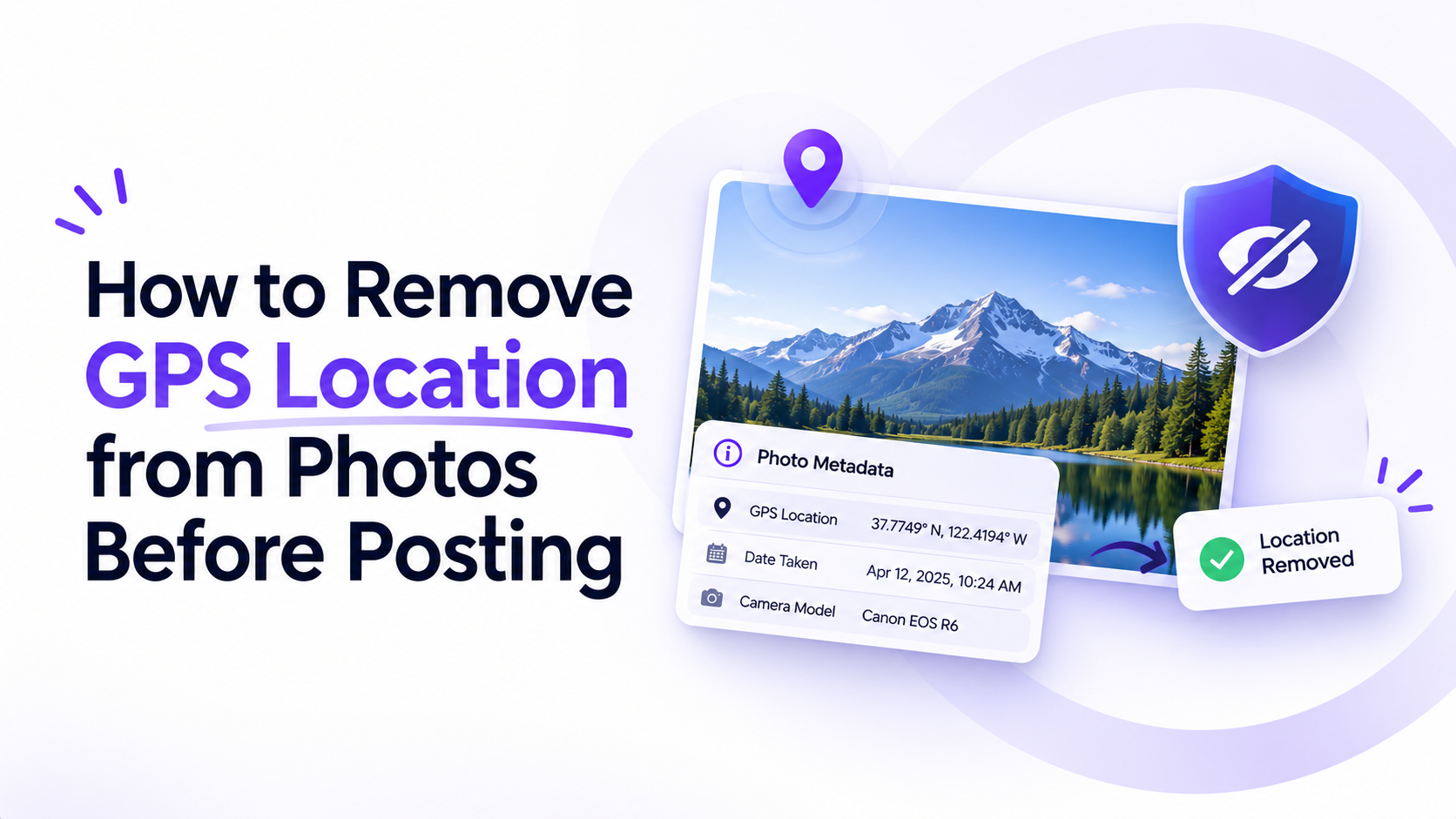
- EXIF device details and GPS from edited photos
Does this remove invisible AI watermarks like SynthID?
No. Invisible watermarks are mixed into the pixels, not stored as metadata. Pexlora removes metadata only and doesn't claim to beat AI detectors.
Does Google Photos add AI metadata to edited photos?
Photos edited with AI tools such as Magic Editor can be tagged in their metadata. Drop the photo above to see what it carries.
Are my images uploaded?
JPG, PNG, WebP and HEIC photos aren't. They are read and cleaned in your browser. AVIF, TIFF and GIF images are sent over HTTPS to our server, processed in memory and not saved.
How do I know the metadata is gone?
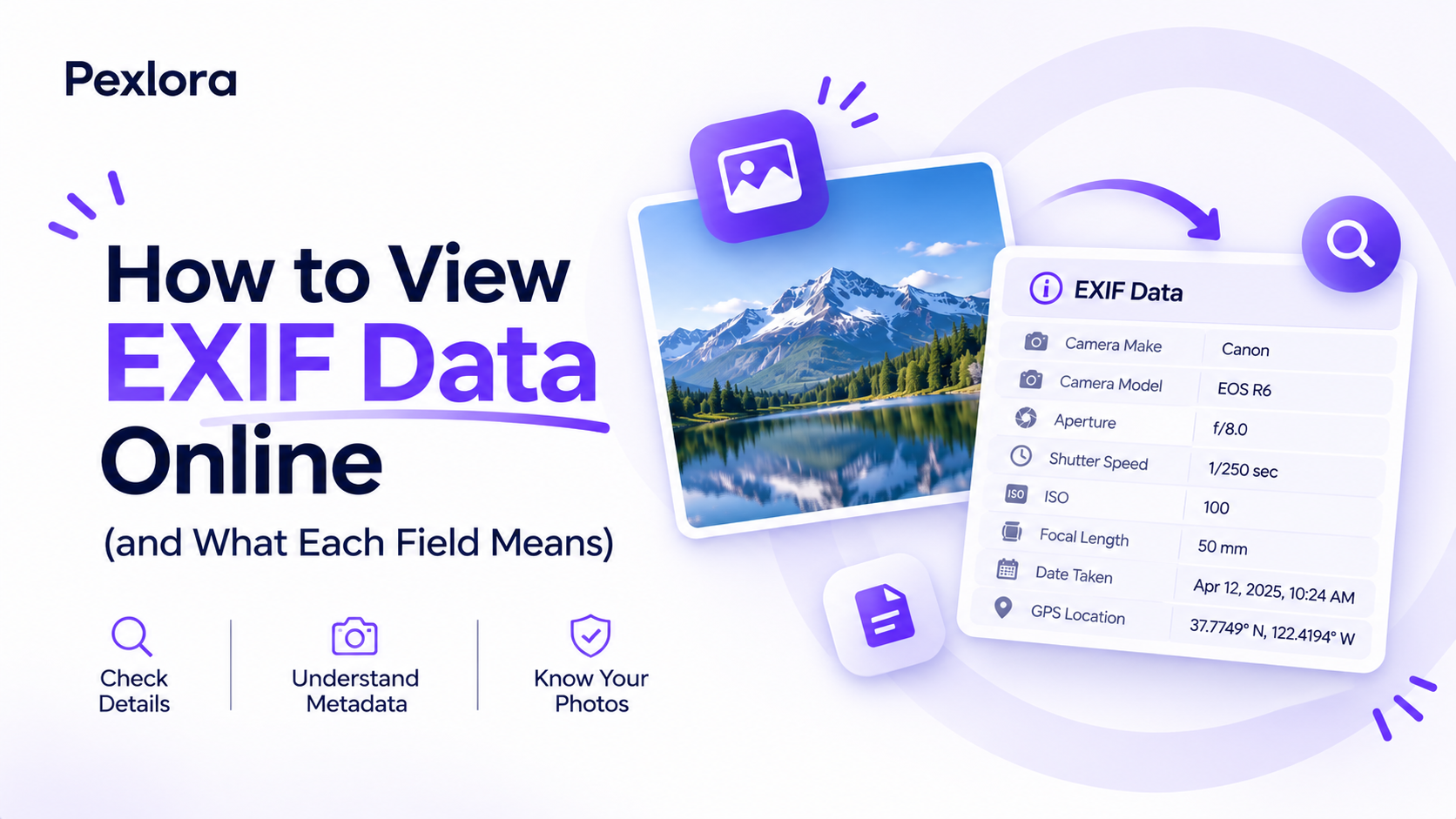
After cleaning, Pexlora reads the clean copy again and shows how many tags are left, normally zero. You can also drop the clean file into the EXIF Viewer to check it yourself.
Will removing metadata lower the quality?
No. For JPG, PNG, WebP and HEIC, Pexlora cuts the metadata out of the file and leaves the image data untouched, so the pixels stay identical. Photos keep their rotation flag so they don't turn sideways. AVIF, TIFF and GIF are re-encoded at high quality instead, and TIFF and GIF come back as PNG.
Which files are supported?
JPG, PNG, WebP, AVIF, TIFF, GIF, HEIC. Size limits: Images up to 10 MB.
Is it free?
Yes. You can process 10 files a day without an account, or 100 with a free account.
Can I remove metadata without a website?
Yes. On a computer, the free command-line tool ExifTool removes everything with exiftool -all= file.jpg. Pexlora does the same with nothing to install, and shows you what was in the file first.
Related tools
More ways to clean your files.

EXIF & Metadata Remover
Remove metadata from photos, PDFs, Office documents, audio and video: EXIF, GPS location, C2PA credentials, AI tags and author names.Open Tool
ChatGPT Image Metadata Remover
Images from ChatGPT, DALL·E and the OpenAI API include C2PA Content Credentials. Remove them, along with any other metadata, in one click. Free, no sign-up.Open Tool
Grok Image Metadata Remover
Check images made with Grok for EXIF and XMP fields that name the generator, then download a clean copy without them. Free, no sign-up.Open Tool
C2PA Remover
Strip C2PA manifests from images, PDFs and videos made with OpenAI, Adobe, Google, Microsoft and other tools that sign their output. Free, no sign-up.Open Tool
EXIF & Metadata Remover
Remove metadata from photos, PDFs, Office documents, audio and video: EXIF, GPS location, C2PA credentials, AI tags and author names.Open ToolChatGPT Image Metadata Remover
Images from ChatGPT, DALL·E and the OpenAI API include C2PA Content Credentials. Remove them, along with any other metadata, in one click. Free, no sign-up.Open ToolGrok Image Metadata Remover
Check images made with Grok for EXIF and XMP fields that name the generator, then download a clean copy without them. Free, no sign-up.Open ToolC2PA Remover
Strip C2PA manifests from images, PDFs and videos made with OpenAI, Adobe, Google, Microsoft and other tools that sign their output. Free, no sign-up.Open Tool
100 files a day. Free.
One click with Google. No card, no trial, no catch.