Pexlora
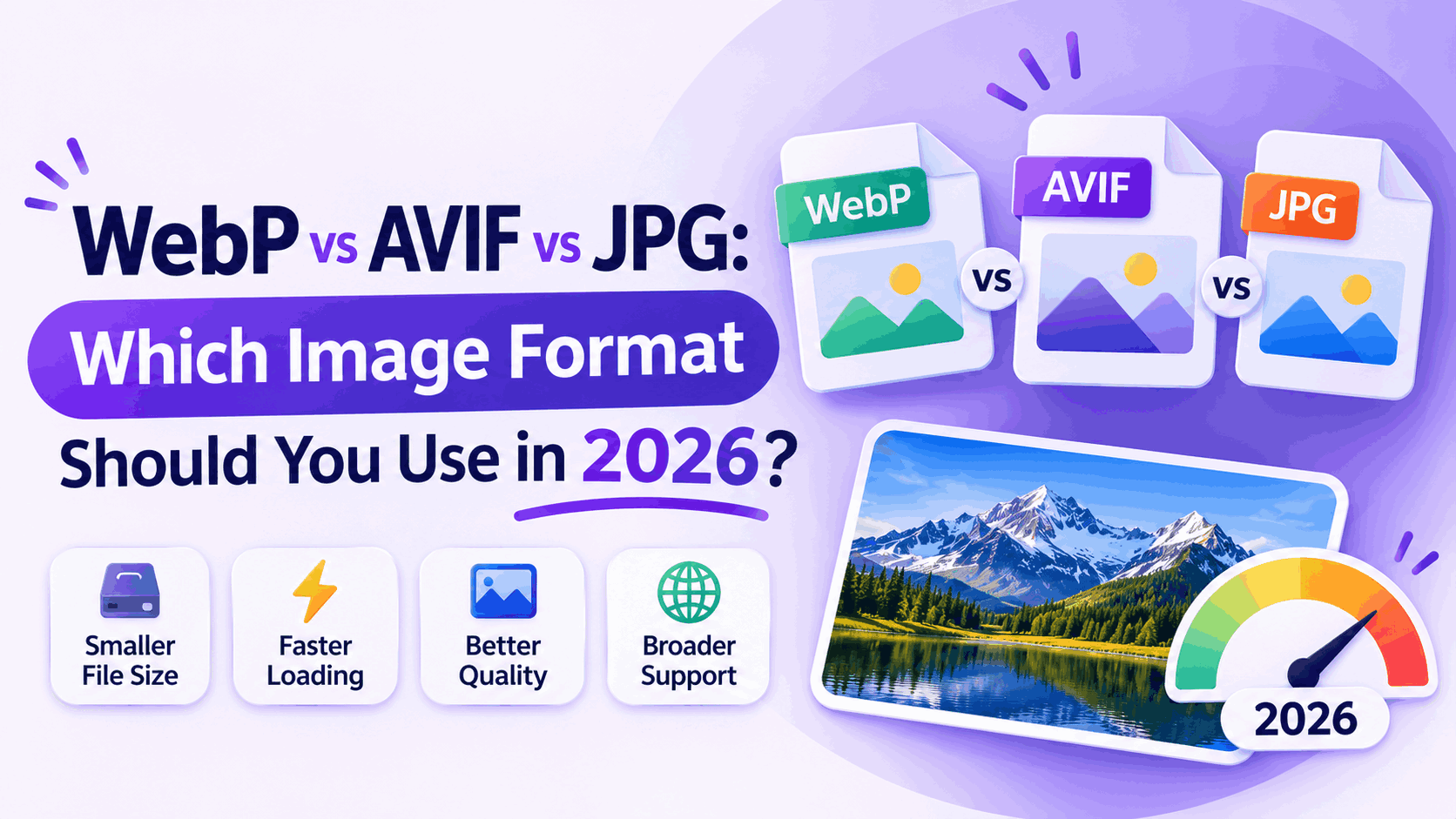
WebP vs AVIF vs JPG: Which Image Format Should You Use in 2026?
WebP, AVIF or plain JPG? Compare file size, quality, browser support and encoding speed, and see which image format to use for websites, social media and forms.

5 min read
On this page
If your website feels slow, images are the first place to look. On most pages they're the heaviest thing a visitor downloads. Switching formats is one of the few changes that can cut page weight dramatically without changing a single pixel your visitors notice.
The choice usually comes down to three formats: the old reliable JPG, Google's WebP, and the newer AVIF. The WebP vs AVIF question gets the most attention, but the right answer depends on where the image is going. A product photo on your site, a picture for a government form and a post for Instagram all have different needs.
This guide compares the three on file size, quality, browser support and encoding speed, then gives a clear recommendation for each common use. You'll also see how to serve modern formats safely with a fallback, so no visitor ever gets a broken image.
The three formats at a glance
| Format | Typical size vs JPG | Transparency | Browser support | Encoding speed |
|---|---|---|---|---|
| JPG | Baseline | No | Universal | Fast |
| WebP | Noticeably smaller | Yes | All modern browsers | Fast |
| AVIF | Often smallest | Yes | All major modern browsers | Slow |
Each format makes a different trade. JPG trades file size for compatibility. AVIF trades encoding time for the smallest files. WebP sits in the middle, which is why it has become the default choice for many sites.
JPG: still the safest choice for compatibility
JPG has been around since the early 1990s, and everything opens it: every browser, phone, printer, email client, government portal and photo kiosk. That's its superpower.
Its weakness is efficiency. JPG's compression is old, so files are larger than modern formats at the same visual quality. It also has no transparency, so logos and cut-out product shots need a white or coloured background.
Use JPG when the destination is outside your control. Exam portals, job applications, print shops and many older content systems expect it. If you're unsure whether a format will be accepted, JPG is the one that will.
WebP: the practical default for websites
Google released WebP in 2010 as a replacement for both JPG and PNG. It supports lossy compression like JPG, lossless compression like PNG, transparency and animation in a single format.
The savings are real. Google's own figures say lossy WebP images are 25 to 34 percent smaller than comparable JPGs, and lossless WebP images are 26 percent smaller than PNGs. On a product page with twenty images, that adds up quickly.
WebP encodes quickly, so it works well for sites that generate images on the fly, and every modern browser supports it. The main downside is outside the browser. Some older desktop apps, print workflows and upload forms still don't accept WebP, which can frustrate people who download your images.
AVIF: smallest files, with some costs
AVIF is based on the AV1 video codec and is the newest of the three. It generally produces smaller files than WebP at the same quality, and it handles smooth gradients, like skies and skin, with less banding. It also supports transparency, HDR and wide colour.
The costs are speed and some rough edges. AVIF takes noticeably longer to encode, which matters if you convert large batches or generate images on request. Very fine detail and text can occasionally look softer than in WebP at aggressive settings. Browser support now covers all major modern browsers, and you can check the current status on Can I use, but very old devices may still miss out.
What the savings look like in practice
Here's an illustration using Google's published range. Imagine an online store whose category page shows 30 product photos, each saved as a 300 KB JPG. That's about 9 MB of images on one page, which is heavy on a mobile connection.
Converting those to WebP at similar quality, with savings in Google's 25 to 34 percent range, would bring each photo to roughly 200 to 225 KB, and the page to around 6 to 7 MB. AVIF often goes further still. Resizing the photos to the size they actually display at, say 800 pixels wide instead of 2000, usually saves even more than the format switch.
The lesson is that format and dimensions work together. Fix both, and a slow page can become a fast one without any visible change in quality.
How to serve modern formats safely
HTML's <picture> element lets you list formats in order of preference. The browser uses the first one it understands and ignores the rest.
<picture>
  <source srcset="product.avif" type="image/avif">
  <source srcset="product.webp" type="image/webp">
  <img src="product.jpg" alt="Brown leather backpack with front pocket" width="800" height="800" loading="lazy">
</picture>
The <img> tag at the bottom is your fallback and also carries the alt text, width and height. Our image SEO checklist explains why those attributes matter for search and loading speed.
Many platforms handle this for you. Shopify, WordPress with an image plugin, and most image CDNs can convert and serve WebP or AVIF automatically. Check your platform's settings before doing it by hand.
Which format to use, by situation
- Blog and article photos: AVIF with a WebP fallback, or WebP alone if you want the simplest setup.
- Ecommerce product images: WebP or AVIF, with JPG fallback. Fast product pages matter for sales.
- Logos and icons: SVG if you have vector artwork. Otherwise WebP or PNG for transparency.
- Screenshots with text: lossless WebP or PNG, so text stays crisp.
- Exam, job and government forms: JPG, every time, unless the form says otherwise.
- Social media: upload high-quality JPG. Platforms re-compress everything anyway.
- Printing: high-quality JPG or TIFF. Print shops rarely accept WebP or AVIF.
Converting between formats
Converting is quick. For single images or small batches, the image converter handles all three. There are also one-click routes for the most common jobs, such as JPG to WebP, JPG to AVIF and WebP to JPG for when a form won't accept a WebP you downloaded.
Two tips keep quality high. First, always convert from the best original you have, not from an already-compressed copy. Second, resize to the display size before converting. A 4000-pixel photo shown at 800 pixels wastes bytes in any format. Our guide on compressing images without losing quality goes deeper on settings.
Frequently asked questions
Is AVIF better than WebP?
AVIF usually produces smaller files at the same quality, especially for photos with gradients. WebP encodes faster and is slightly more widely accepted outside browsers. Many sites serve both.
Should I stop using JPG?
Not entirely. Keep JPG as a fallback on websites and use it for forms, printing and anywhere you can't control the software opening the file.
Does Google rank WebP images higher?
Google doesn't rank by format directly. Smaller images make pages load faster, and page experience can influence search performance, so modern formats help indirectly.
Why won't a website accept my WebP image?
Many upload forms only allow JPG or PNG. Convert the file to JPG before uploading.
A quick test on your own site
Take the largest image on your homepage, convert it to WebP and AVIF at similar quality, and compare the file sizes side by side. That one comparison usually makes the decision obvious, and it shows how much faster your pages could be.