Pexlora
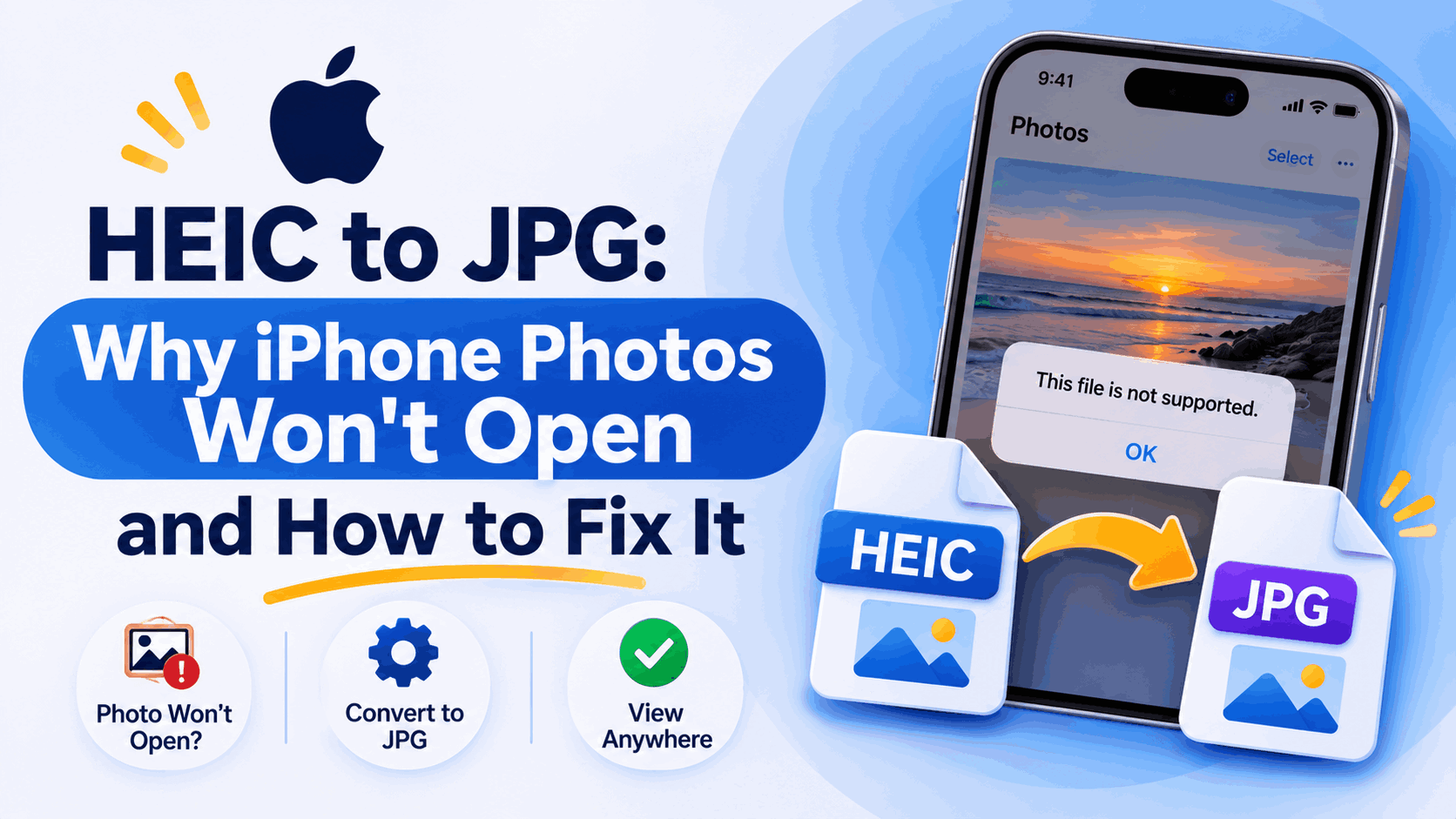
HEIC to JPG: Why iPhone Photos Won't Open and How to Fix It
iPhone photos saved as HEIC won't open on many PCs, websites and forms. Here's what HEIC is, how to convert HEIC to JPG on any device, and how to stop it happening again.

6 min read
On this page
You copy photos from your iPhone to a Windows laptop and they won't open. Or a job portal says "invalid file format" for a photo that looks perfectly normal on your phone. The culprit is almost always the same: the file is a HEIC, not a JPG.
Converting HEIC to JPG takes seconds once you know where to look, and you can also tell your iPhone to stop creating HEIC files for the moments when compatibility matters more than storage space. Both fixes are free.
Below you'll find what HEIC is and why Apple uses it, how to convert on every common device, the iPhone settings that prevent the problem, and a few traps, like renaming a file to .jpg, that cause more trouble than they solve.
What a HEIC file actually is
HEIC is Apple's name for photos saved in HEIF, the High Efficiency Image File Format. Apple switched iPhones to it with iOS 11, starting with the iPhone 7. According to Apple's support page, HEIF offers better compression than JPEG, so photos use less storage while keeping the same visual quality.
That's a real benefit. If you shoot thousands of photos a year, HEIC can save gigabytes of iCloud space.
The cost is compatibility. JPG has worked everywhere for decades. HEIC support is patchier: older Windows PCs, many government and exam portals, some printing shops and plenty of web forms still don't accept it.
| Feature | HEIC | JPG |
|---|---|---|
| File size at similar quality | Smaller | Larger |
| Opens on older Windows PCs | Often no | Yes |
| Accepted by exam and job portals | Usually no | Yes |
| Supports live photos and depth data | Yes | No |
How to tell if a photo is really HEIC
Your phone's gallery won't always show the format, which is why people get caught out. On an iPhone, open the photo in the Photos app and swipe up, or tap the info button. The details panel shows the format, such as HEIF or JPEG, next to the camera information.
On a computer, check the file extension. If you can't see extensions on Windows, open File Explorer, go to View and turn on "File name extensions". A file ending in .heic or .heif needs converting before most forms will take it.
A quick upload test also works. If a portal that normally accepts photos suddenly says "invalid format" for an iPhone image, HEIC is the most likely reason.
How to convert HEIC to JPG online
The fastest route for one-off files is a browser converter. It works the same on a phone, laptop or tablet.
- Open the HEIC to JPG converter.
- Upload one or several HEIC photos.
- Choose JPG, or PNG if you need transparency for a design.
- Download the converted files.
If you're sending photos as a single document, for example to a landlord or an office, the HEIC to PDF tool combines them into one file in the same step.
Converting on Windows, Mac and Android
Windows 10 and 11
Windows can open HEIC once you install Microsoft's free HEIF Image Extensions from the Microsoft Store. Some PCs also need the HEVC Video Extensions to show thumbnails properly. After that, open the photo in the Photos app or Paint and use "Save as" to choose JPG.
If you can't install apps on a work laptop, use a browser converter instead.
Mac
Macs handle HEIC natively. Open the photo in Preview, choose File, then Export, and pick JPEG from the format menu. You can select many photos at once in Preview and export them together.
Android
Recent Android phones can view HEIC, but upload forms and older apps may not accept it. Use a browser converter, or open the photo in Google Photos and download it, which sometimes saves a JPG copy depending on your settings.
Stop your iPhone saving HEIC
If you regularly send photos to forms, clients or Windows users, it's easier to fix the problem at the source. Apple gives you two settings.
Change the camera format
Go to Settings > Camera > Formats and choose Most Compatible. New photos will be saved as JPG and videos as H.264. The trade-off is that files take more space. You can switch back to High Efficiency any time.
Convert automatically when transferring
Go to Settings > Photos and, under Transfer to Mac or PC, choose Automatic. Your iPhone will then convert photos to JPG when you copy them to a computer by cable, while keeping HEIC on the phone itself.
Apple also notes that when you share through AirDrop, Messages or email to a device that doesn't support HEIF, the photo may be sent as JPEG automatically. That's why the problem often appears only with cable transfers or uploads, not with chat apps.
Common situations and what to do
- Uploading to an exam or government form: convert to JPG first, then resize to the form's KB and pixel limits. Our guide to resizing a photo to 20 KB covers the second step.
- Sending to a print shop: convert to JPG at the highest quality setting. Most print software expects JPG or TIFF.
- Building a website: skip JPG entirely and convert to WebP or AVIF for smaller files. Browsers don't display HEIC.
- Sharing on social media: you usually don't need to convert. The iPhone apps handle it during upload.
What about privacy?
HEIC files carry the same kind of hidden metadata as JPGs: the date, your iPhone model and, if location was on, the exact GPS coordinates where you took the photo. Converting doesn't always remove it. Some converters copy the metadata straight across.
If you're converting photos to send to strangers, such as for a marketplace listing, check what's inside with the Metadata Viewer first. The Pexlora converter removes metadata during conversion, but it's worth knowing what's there. Our post on removing GPS location from photos explains why this matters.
Does converting reduce quality?
A little, technically. JPG is a lossy format, so every conversion applies some compression. At a high quality setting the difference is invisible for normal viewing and printing. The bigger quality risk comes later, if you repeatedly edit and re-save the same JPG many times.
Keep your original HEIC files as the master copies, and convert a fresh JPG whenever you need one. That way you always have the best version available.
Frequently asked questions
Why are my iPhone photos HEIC instead of JPG?
Because your camera is set to High Efficiency, which is the default on iPhone 7 and later. Switch to Most Compatible in Settings > Camera > Formats if you'd rather have JPG.
Can Windows open HEIC files?
Yes, after installing Microsoft's HEIF Image Extensions from the Microsoft Store. Without it, Windows may show a blank thumbnail or an error.
Is HEIC better than JPG?
For storage on Apple devices, yes, because files are smaller at similar quality. For sharing, uploading and printing, JPG is still more reliable.
How do I convert many HEIC photos at once?
Use a converter that accepts multiple files, or select several photos in Preview on a Mac and export them together as JPEG.
If you only change one thing
Set Transfer to Mac or PC to Automatic on your iPhone. You'll keep the space savings of HEIC on your phone, and every photo you copy to a computer arrives as a JPG that opens anywhere.