Pexlora
How to Mask Aadhaar, PAN and Phone Numbers Before Sharing
Sharing ID copies for KYC, rentals or hotel check-ins? Learn how to download a masked Aadhaar, hide PAN and phone numbers properly, and watermark ID copies so they can't be reused.

5 min read
On this page
A hotel receptionist asks you to WhatsApp your Aadhaar. A broker wants your PAN and phone number "for the agreement". A new gym asks for an ID copy by email. Most of us send these without thinking, and those copies end up sitting in strangers' phones, inboxes and shared drives for years.
You can share what people genuinely need without handing over everything. Learning to mask your Aadhaar number, hide sensitive digits on other IDs, and mark copies with their purpose takes a few minutes and makes a leaked copy far less useful to anyone who shouldn't have it.
This guide covers UIDAI's official masked Aadhaar, how to hide PAN and phone details properly (including the mistakes that leave them readable), and how to watermark ID copies so they can't easily be reused elsewhere.
Why masking matters
An Aadhaar number, PAN, date of birth and phone number together are enough to attempt a surprising amount: SIM swap attempts, loan applications in your name, or convincing phishing calls that quote your details back to you. Each copy you share is another place that information can leak from.
Masking doesn't stop someone verifying who you are. It stops a copy being useful for anything beyond the purpose you shared it for. A hotel needs to see your name and photo. It almost never needs all twelve digits of your Aadhaar.
Use the official masked Aadhaar
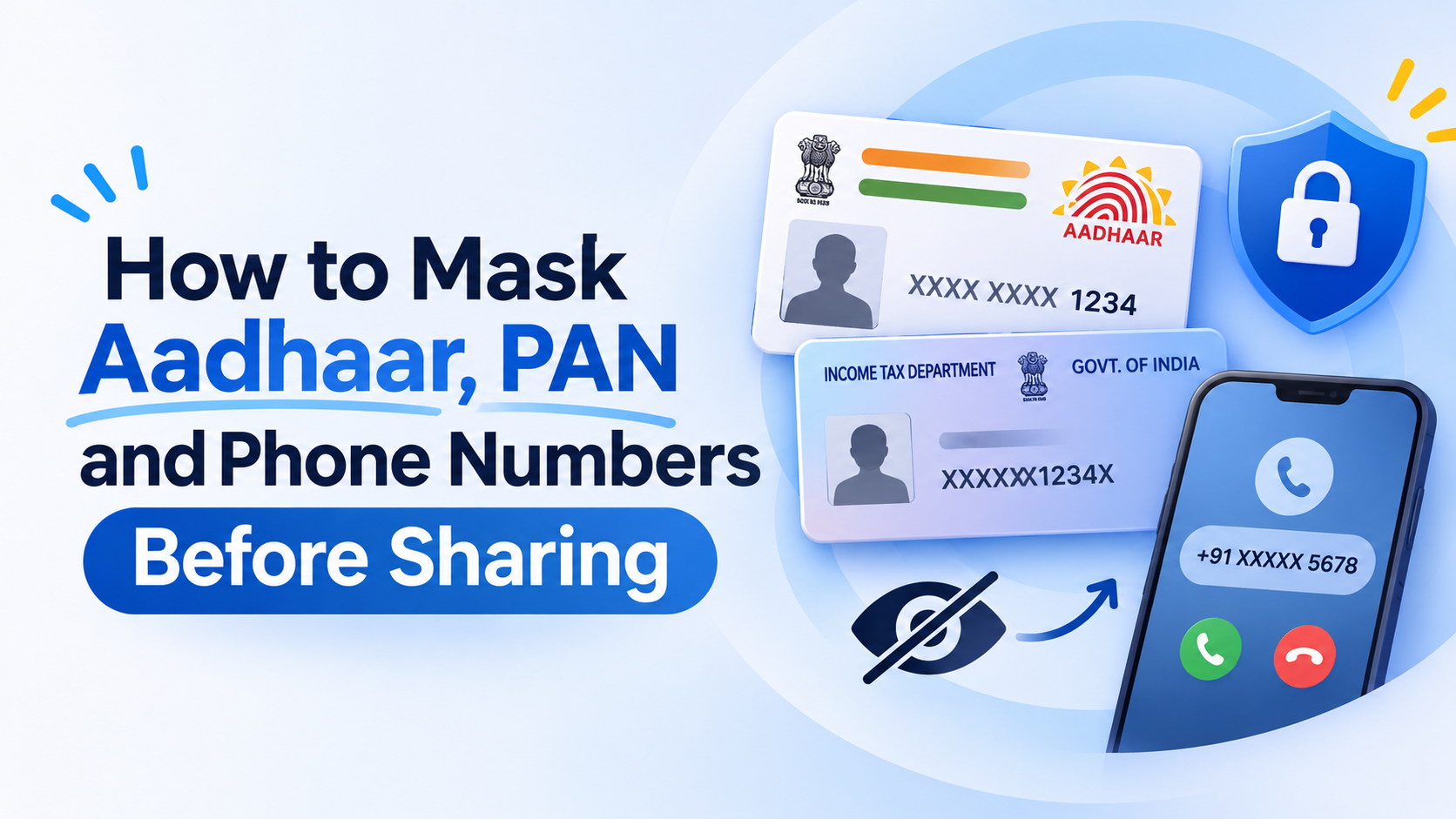
UIDAI offers a masked version of e-Aadhaar. According to UIDAI, a masked Aadhaar replaces the first eight digits with "xxxx-xxxx", so only the last four digits are visible. Your name, photo, address and QR code stay on it.
- Go to the official myAadhaar portal at myaadhaar.uidai.gov.in.
- Log in with your Aadhaar number and the OTP sent to your registered mobile.
- Choose Download Aadhaar.
- Select the option for a masked Aadhaar.
- Download the PDF. It's password-protected with the first four letters of your name in capitals followed by your year of birth, for example
RAHU1994.
Keep this masked copy on your phone and use it as your default whenever someone asks for "an Aadhaar copy".
For online verification, there's another option worth knowing. UIDAI lets you generate a 16-digit Virtual ID from the myAadhaar portal or the official Aadhaar app. It can be used in place of your Aadhaar number for many authentication and e-KYC processes, and you can regenerate it whenever you like, so an old VID that leaks becomes useless once replaced.
Masking other IDs: PAN, passport, driving licence
There's no official masked version of a PAN card or passport, so you'll be doing it yourself. The goal is to hide what the recipient doesn't need while keeping the document recognisable.
| Document | What people usually need | What you can usually hide |
|---|---|---|
| PAN card | Name, photo, sometimes PAN for tax purposes | Date of birth, father's name, signature |
| Passport | Name, photo, nationality | Passport number middle digits, address page |
| Driving licence | Name, photo, licence validity | Address, blood group, date of birth |
| Bank statement | Name, address, account holder proof | Account number except last four, transactions |
Where a field is legally required, such as PAN on a rent agreement above a certain amount, don't hide it. Hide everything else.
How to mask properly (and the mistakes that don't work)
Masking badly is almost worse than not masking, because it gives a false sense of safety.
Use solid boxes, not blur or highlighter
Draw a solid black or white rectangle over the digits. Light blur and pixelation on large, clear text can sometimes be partly reconstructed, and a highlighter in a phone's markup tool is often see-through. Solid and opaque is the rule.
Flatten before sending
If you add boxes to a PDF as annotations, many PDF readers let anyone select and delete them, revealing the text underneath. After masking, export or print to a new PDF, or save as an image, so the boxes become part of the page.
Check the text layer
A PDF downloaded from a bank or government portal often contains real text, not just an image. A black box drawn on top may still leave the text underneath copyable. Converting to an image first with PDF to JPG, then masking, avoids that.
Masking text in messages and documents
When personal details are in typed text, like a spreadsheet of tenants or an email thread you're forwarding, paste it into Remove Personal Info from Text. It masks emails, phone numbers, ID numbers and IP addresses in one step.
Watermark every ID copy with its purpose
Even a masked copy is better with a watermark that says what it's for. A line like "For KYC at ABC Realty only, 21 Nov 2026" across the document makes it obvious if the copy turns up somewhere else, and much harder to reuse for a different application.
- Put the watermark across the middle of the document, not in a corner where it can be cropped off.
- Include the organisation's name and the date.
- Use semi-transparent text so details remain readable for the legitimate purpose.
For PDFs, use Add Watermark to PDF. Our step-by-step guide to adding a watermark to a PDF covers positioning and making it harder to remove.
A typical example: renting a flat
Neha is renting a flat in Bengaluru through a broker who asks for her Aadhaar, PAN and last three months' salary slips on WhatsApp.
She sends her masked Aadhaar from UIDAI. On her PAN copy she covers her date of birth and father's name with solid boxes, leaving the name, photo and PAN visible because the agreement needs it. On the salary slips, she hides her bank account number except the last four digits and her employee ID. Finally she watermarks all three with "For rental agreement with XYZ Properties, Nov 2026" and sends them as a single PDF.
The broker gets everything needed for the agreement. If those files ever leak, they're far less useful to anyone else.
Frequently asked questions
Is a masked Aadhaar valid as ID proof?
It's issued by UIDAI and widely accepted for identity verification, such as at hotels and for many KYC processes. Some government schemes may still require the full number.
What is the masked Aadhaar password?
The first four letters of your name as on Aadhaar in capital letters, followed by your year of birth in four digits.
Can I mask my Aadhaar with a pen on a photocopy?
Yes. Covering the first eight digits on a physical copy so only the last four show is a common practice. For digital copies, the official masked download is cleaner.
Is blurring enough to hide numbers in a photo?
Not always. Use a solid, opaque box instead of blur or a translucent highlighter, and save the result as a new image so the mask can't be removed.
Set yourself up once
Download your masked Aadhaar today and keep it in a folder on your phone alongside pre-masked copies of your PAN and other IDs. The next time someone asks for an ID copy, you'll only need to add a quick watermark rather than scrambling to edit a photo on the spot.