Pexlora
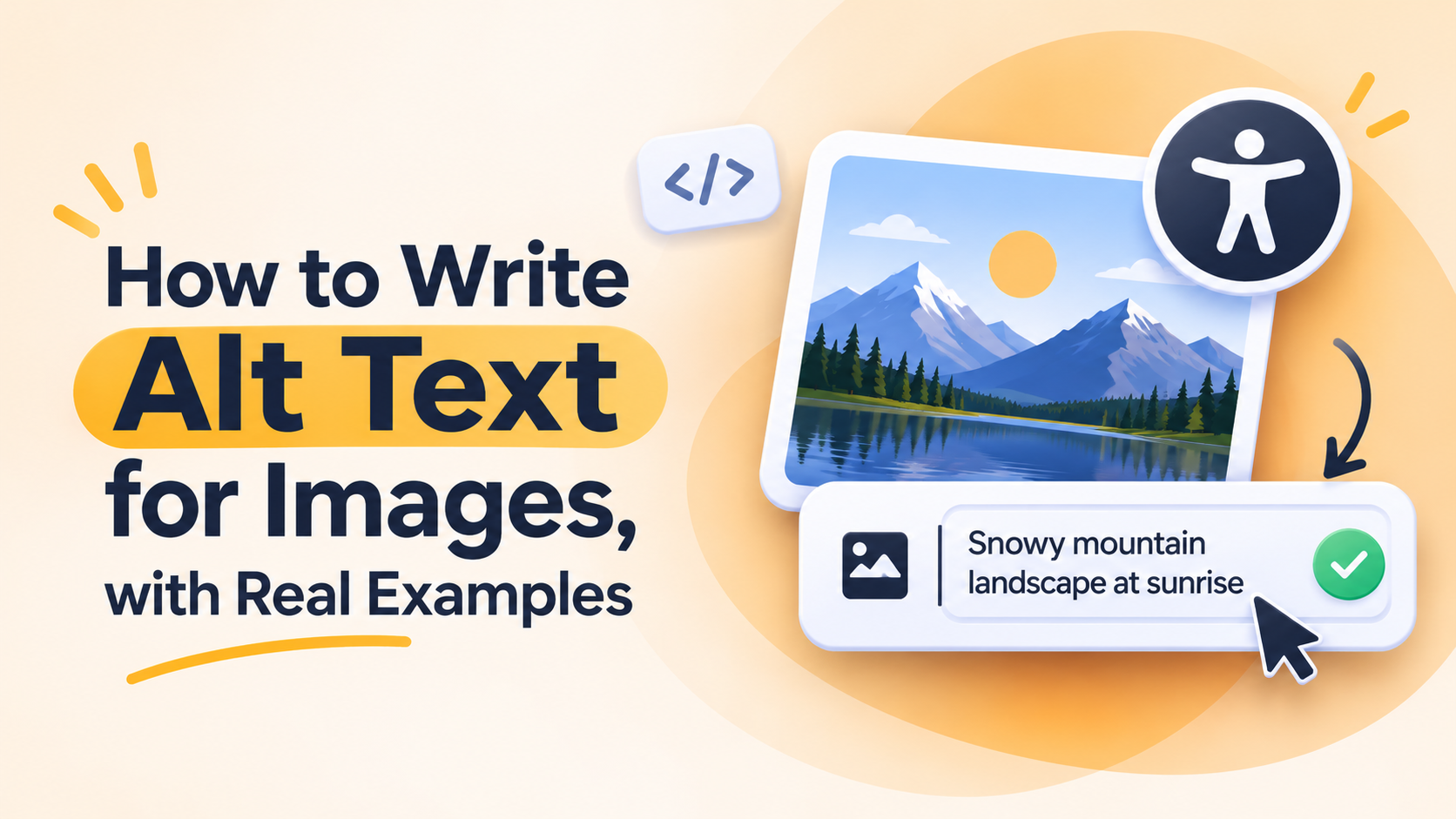
How to Write Alt Text for Images, with Real Examples
Good alt text helps screen reader users and image search at the same time. Learn how to write alt text for photos, products, charts and logos, with before-and-after examples.

6 min read
On this page
Alt text is the short description attached to an image in a web page's code. Screen readers read it aloud to people who can't see the image, browsers show it when an image fails to load, and search engines use it to understand what the picture shows. One small field does three jobs.
Most sites still get it wrong. Some leave it empty on every image. Others stuff it with keywords like "best shoes cheap shoes buy shoes online". Neither helps anyone. Knowing how to write alt text well is mostly about one habit: describe what matters in the image, in the context where it appears, in about one sentence.
This guide gives you simple rules, real before-and-after examples for photos, products, charts and logos, and the cases where alt text should deliberately be left empty.
What alt text is for
Alt text lives in the alt attribute of an image tag:
<img src="chai-stall.jpg" alt="A tea seller pouring chai from a height into small glasses at a roadside stall">Its main purpose is accessibility. The W3C's alt text decision tree frames it as a question: what information does this image add to the page? The alt text should convey that information to someone who can't see it.
Search is the second benefit. Google's image SEO guidance says it uses alt text, along with computer vision and the surrounding page content, to understand images. Useful, descriptive alt text helps images appear in Google Images for relevant searches.
Six rules that cover most images
- Describe what's meaningful. Focus on what the image shows that matters to the page, not every detail.
- Keep it short. One sentence is usually right. Many screen readers handle long text fine, but listeners appreciate brevity.
- Skip "image of" and "picture of". Screen readers already announce that it's an image.
- Use context. The same photo might need different alt text on a recipe page and on a travel page.
- Include text that appears in the image. If an image contains words, such as a sale banner, include them.
- Use keywords only when they fit naturally. If the photo really is of a red cotton kurta, say so. Don't add phrases that aren't true to the picture.
Before-and-after examples
Here's how weak alt text compares with useful alt text for common image types.
| Image | Weak alt text | Better alt text |
|---|---|---|
| Product photo | kurta | Women's mustard yellow cotton kurta with white block-print flowers, three-quarter sleeves |
| Blog photo | image of food | Plate of masala dosa with coconut chutney and sambar on a banana leaf |
| Team photo | team | Five members of the support team smiling outside the Pune office |
| Sale banner | banner | Diwali sale: 30 percent off all handloom sarees until 2 November |
| Logo link | logo | Pexlora home |
Notice the logo example. When an image is a link, the alt text should describe where the link goes, not what the logo looks like.
Tricky cases
Charts and graphs
Describe the main takeaway in the alt text, such as "Bar chart showing website visits doubling from January to June". Then put the actual numbers in a table or paragraph on the page. Alt text isn't the place for twenty data points.
Screenshots
Describe what the screenshot is demonstrating, not every button. "Settings screen with the Most Compatible camera format selected" is far more useful than listing every menu item.
Decorative images
Some images add nothing to the meaning: background textures, divider lines, purely decorative icons next to text that already says the same thing. For these, use an empty alt attribute, alt="". Screen readers will skip them.
alt="" and a missing alt attribute are not the same. Leaving the attribute out entirely can make screen readers read the file name aloud, like "IMG underscore 4 0 2 1 dot jpg". Always include the attribute, even if it's empty.Images next to a caption
If a visible caption already describes the image well, keep the alt text brief and complementary rather than repeating the caption word for word.
Mistakes to avoid
- Using the file name. "DSC_0042" or "banner-final-v3" tells nobody anything.
- Keyword lists. A string of search terms reads as spam to screen reader users and to Google.
- The same alt text on every image. Ten product photos all labelled "product image" defeat the purpose.
- Describing too much. A paragraph about lighting and composition is rarely what a listener needs.
- Forgetting images inside buttons. An icon-only button, like a magnifying glass for search, needs alt text such as "Search".
Alt text on social media
Alt text isn't only for websites. Instagram, X, LinkedIn and Facebook all let you add alt text to images you post. On Instagram, it's under Advanced settings, then Accessibility, before you share. On X and LinkedIn, you'll see an "Add description" or "Alt" option when you attach an image.
If you don't add it, platforms often generate an automatic description, which tends to be vague, like "may be an image of 2 people and text". Writing your own takes ten seconds and makes your posts far more useful to followers who use screen readers. For posts that are mostly text inside an image, such as quotes or announcements, include the full text in the alt description.
Writing alt text for a whole product catalogue
Small online stores often have hundreds of product photos with no alt text. Writing every description by hand is slow, but leaving them empty wastes a lot of potential image search traffic.
A practical approach is to start with your best-selling products and work down. For each, include the product type, the main colour or material, and one distinguishing feature. "Brass diya with peacock handle" beats "diya 3" every time.
The AI Alt Text Generator can draft alt text, a description, keywords and an SEO-friendly file name from an image, which speeds things up a lot. Always review drafts before publishing. AI can misidentify materials, colours or cultural items, and only you know which details matter for your page.
Alt text is one part of image SEO
Alt text works best alongside other basics: descriptive file names, sensible dimensions, compressed files and modern formats. Our image SEO checklist covers the full set, and our guide to choosing between WebP, AVIF and JPG helps with formats.
A quick test of whether your alt text works: close your eyes and have someone read the page aloud, including the alt text. If you understand what each image adds, you've done it right.
Frequently asked questions
How long should alt text be?
Usually one sentence, roughly up to 125 characters, is a sensible guide. There's no strict limit, but concise descriptions are easier for screen reader users.
Does alt text help SEO?
Yes. Google uses alt text as one signal to understand images, which helps them appear in image search. It works best when it's accurate and descriptive rather than stuffed with keywords.
Should every image have alt text?
Every image should have an alt attribute. Meaningful images need a description, while purely decorative images should use an empty alt attribute so screen readers skip them.
Is alt text the same as an image title?
No. The title attribute shows a tooltip on hover and is inconsistently supported by screen readers. Alt text is the one that matters for accessibility and search.
Start with your homepage
Open your homepage, right-click each image and inspect it, or use a browser extension that lists alt text. Fix the empty and vague ones first. A single afternoon on your most-visited pages makes a real difference for visitors who rely on screen readers.